AIDC GODiscuss Your Application

APPLICATION-LED SOLUTION DIRECTIONS

Start with the workflow. Then define the hardware direction.

AIDC GO helps software companies, system integrators and project teams frame a hardware evaluation around the capture task, interaction, integration conditions and sample validation.

Explore solution directions
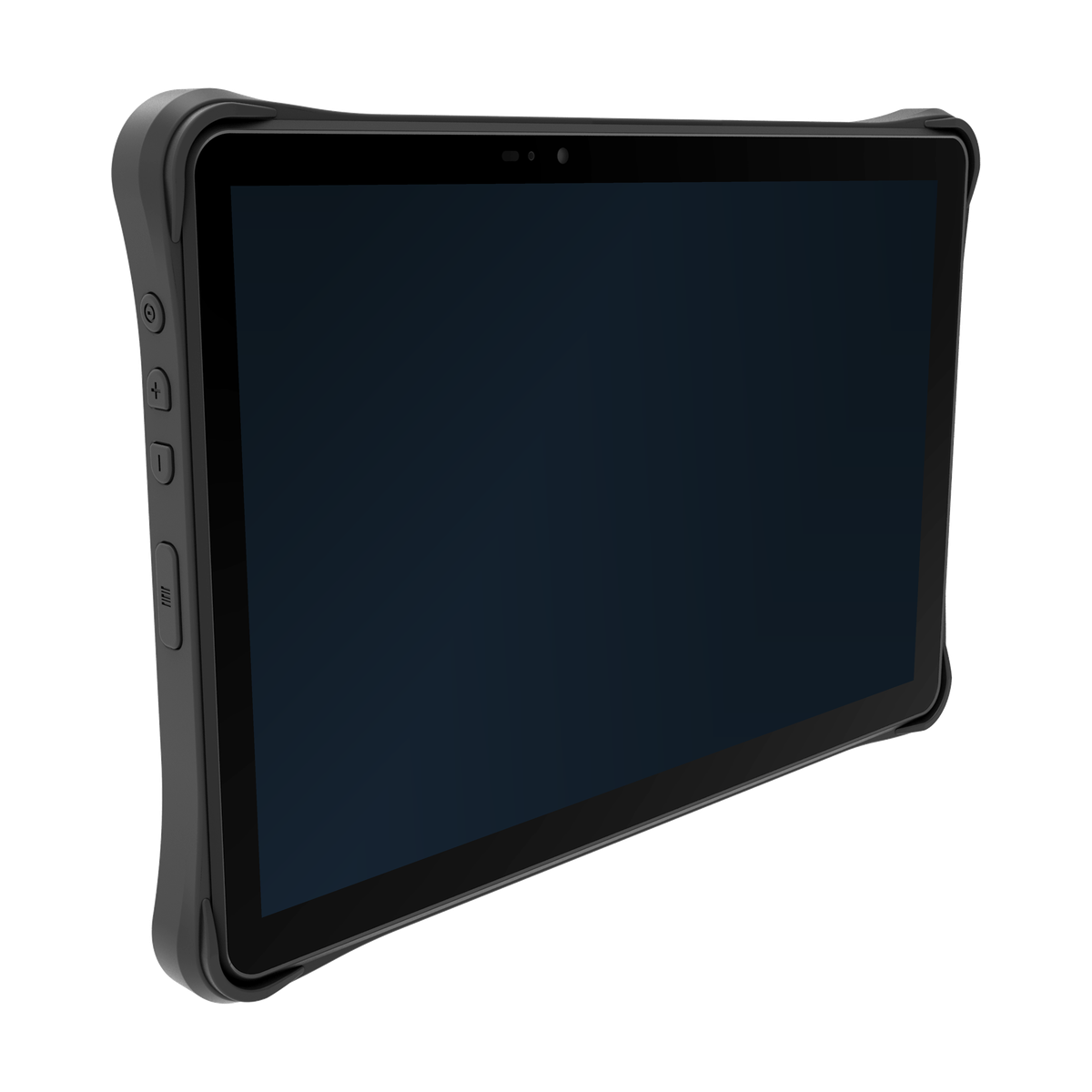
AIDC GO TX-41 rugged tablet for solution workflow evaluation

FOUR SOLUTION DIRECTIONS

Use a clear route into the next technical conversation.

MOBILE BARCODE DATA CAPTURE

Mobile barcode data capture for workflow-led evaluation.

Frame receiving, picking, item verification, inventory counts, inspection and mobile data entry around the task sequence your application already manages.

Explore direction

UHF RFID INVENTORY & ASSET TRACKING

UHF RFID inventory and asset tracking starts with the read workflow.

Use tagged-item identification, inventory workflows, asset checks and batch-reading evaluation as the starting point for a regional and configuration-dependent RFID direction.

Explore direction

RUGGED TABLET FIELD OPERATIONS

Rugged tablet direction for field forms, review and mobile workspaces.

Assess field forms, inspection steps, work instructions, photo or data review and mobile workspace requirements before selecting a tablet configuration.

Explore direction

DEVICE DEPLOYMENT & WORKFLOW INTEGRATION

Bring application requirements into the device evaluation path.

Clarify application requirements, interfaces, connectivity, configuration, ownership and sample validation before deployment confirmation.

Explore direction

CAPTURE / WORKFLOW / BOUNDARY

Compare the operating path before choosing hardware.

Solution directionCapture methodWorkflowApplication boundary
BarcodeDeliberate scan of a label, item, location or document.Receiving, picking, verification, inspection and mobile data entry.The device captures; the customer application owns validation and workflow state.
UHF RFIDTagged-item reads within an evaluated operating zone.Inventory, asset checks and defined batch-reading events.Read behaviour, event transport and business rules remain distinct.
Rugged tabletTouch, forms, review and mobile workspace interaction.Field inspection, service and larger-format operational tasks.The customer-managed workspace owns process logic and data.
Deployment integrationDevice events, interfaces and connectivity in context.Configure, connect, sample-validate and prepare deployment.Device behaviour and customer application responsibilities are reviewed project by project.

START WITH THE WORKFLOW

Five inputs make the review more useful.

  1. 01Capture task
  2. 02Identification method
  3. 03User interaction
  4. 04Connectivity and integration
  5. 05Deployment environment

HARDWARE DIRECTION MATRIX

Compare directions without assuming a project outcome.

EVALUATION PATH

Context to deployment confirmation.

  • Context
  • Hardware direction
  • Sample validation
  • Integration review
  • Deployment confirmation

EVALUATION FAQ

Questions to resolve before the direction is confirmed.

How should a project choose a starting hardware direction?

Start with the capture task, identification method, user interaction, operating environment and integration context.

When is sample evaluation useful?

Sample evaluation helps confirm the selected configuration in the intended workflow before deployment confirmation.

CONTINUE THE EVALUATION

Move from solution direction to hardware and project review.

VALIDATE THE DIRECTION

Validate the direction before confirming hardware.

Move from task definition to evidence in four practical steps.

  1. 01

    Compare capture direction

    Clarify whether the task begins with deliberate barcode scans, UHF RFID read events or another approved direction.

    Compare barcode and RFID
  2. 02

    Confirm integration boundary

    Separate device behaviour from customer application, middleware, network and backend responsibilities.

    Use the integration checklist
  3. 03

    Run a representative pilot

    Validate real samples, operating conditions, exceptions and application feedback before confirmation.

    Plan the pilot
  4. 04

    Prepare a project brief

    Bring the operating task, capture target, environment and unresolved project questions together.

    Prepare the brief

PROJECT CONVERSATION

Bring the operating context first.

Final configuration is confirmed per project.

Discuss Your Application