RX SERIES / PRODUCT FAMILY
RFID handheld readers for integrated mobile work.
Compare RX-52 and RX-56 when the operator needs a mobile-computing host and UHF RFID in one handheld configuration. Start with the tags, deployment country and application, then identify the reader and barcode options to discuss with AIDC GO.
PROJECT FIT
Where this product direction belongs.
Inventory rounds: provide representative tagged items, their placement and the area the operator must cover. Use these conditions to frame the UHF configuration question.
Item identification: describe what the operator must see on screen and how the application identifies the intended item among nearby tags.
Mixed RFID and barcode work: identify which steps require a barcode scan, with label samples, so the optional barcode requirement is included in the same shortlist.
CURRENT AIDC GO PRODUCTS
Compare RX handheld configurations.
Use the existing model fields below to build a shortlist. Carry each optional or regional field into the configuration enquiry rather than treating it as standard on every unit.
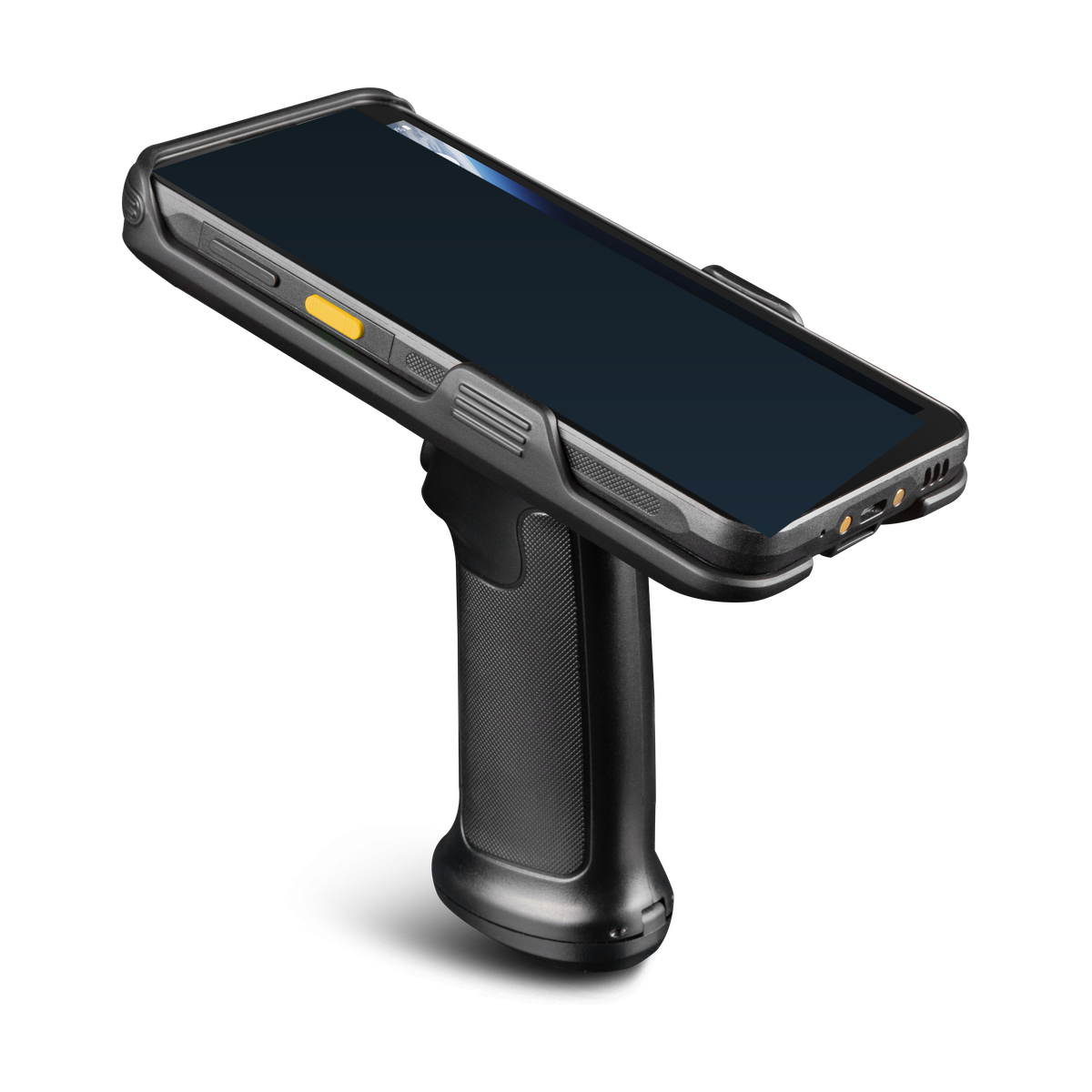
AIDC GO RX-52
- Device direction
- Integrated UHF mobile computer
- UHF RFID
- Optional UHF RFID; built-in or pistol-grip configuration
- Barcode
- Optional 1D/2D barcode scanner
- Display
- 6 in, 1440 × 720
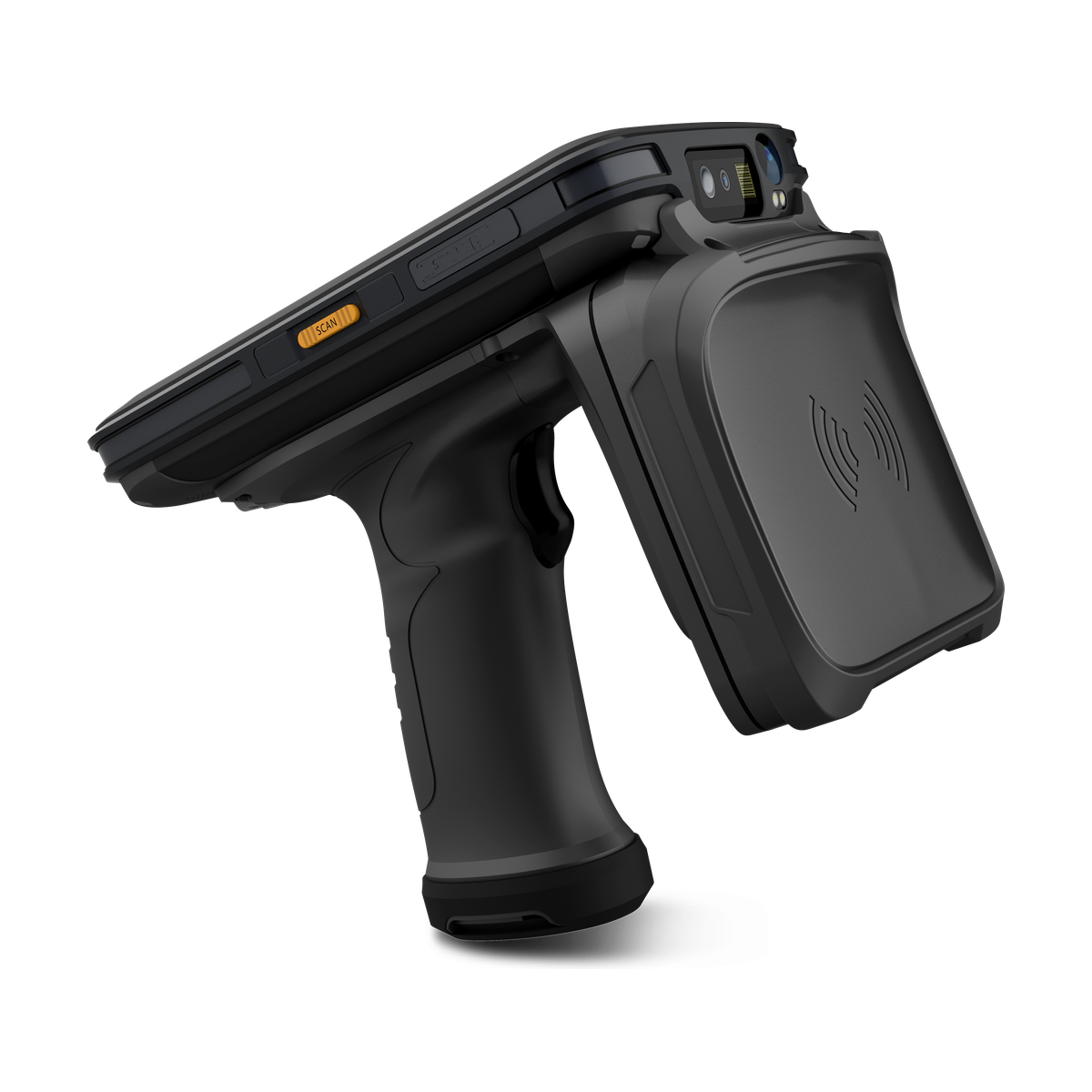
AIDC GO RX-56
- Device direction
- UHF RFID handheld
- UHF RFID
- UHF RFID configuration dependent; regional power/frequency options
- Barcode
- Optional 1D/2D barcode scanner
- Display
- 5.2 in IPS LTPS, 1920 × 1080
| Model | Device direction | UHF RFID | Barcode | Display | Interfaces |
|---|---|---|---|---|---|
| AIDC GO RX-52 | Integrated UHF mobile computer | Optional UHF RFID; built-in or pistol-grip configuration | Optional 1D/2D barcode scanner | 6 in, 1440 × 720 | USB-C, USB 3.1, OTG, SIM/TF |
| AIDC GO RX-56 | UHF RFID handheld | UHF RFID configuration dependent; regional power/frequency options | Optional 1D/2D barcode scanner | 5.2 in IPS LTPS, 1920 × 1080 | USB-C, OTG, SIM/TF |
WORKFLOW
Turn task requirements into a model enquiry.
This category concerns integrated UHF handheld configurations, not fixed-reader installations. Tag access, application behaviour and final acceptance remain specific to the selected configuration and project.
- 01
Provide the tag type or datasheet, sample items and a description of the intended operating zone.
- 02
Name the deployment country and ask which regional frequency and power configuration applies to the proposed RX model.
- 03
Identify the application, OS requirement and needed operations; distinguish tag identification from any requested write operation.
- 04
Compare the response with the listed model fields and agree on representative sample evaluation before choosing a configuration.
INTEGRATION DIRECTION
Keep the hardware decision connected to the system.
RX-52 lists optional UHF RFID in built-in or pistol-grip configurations; RX-56 lists configuration-dependent UHF RFID and regional power/frequency options. Ask which configuration the quotation and datasheet describe.
The listed OS is Android 14 for RX-52 and Android 11 or Android 13, configuration dependent, for RX-56. Both list Java SDK support; request the package revision, applicable device/firmware configuration and interface details for your application.
Both models list an optional 1D/2D barcode scanner. Include barcode samples when needed. Do not infer HF/NFC support or a particular tag read/write operation from the UHF category label; state those as separate model-specific requirements.
SELECTION CONSIDERATIONS
Questions to close before configuration approval.
- 01
Tags and items: attach the tag datasheet and describe material, placement, orientation and nearby tagged items. A nominal device specification does not settle the working read zone.
- 02
Region and configuration: identify the deployment country, selected RX model and intended handheld/handle arrangement. Keep RF settings tied to that configuration.
- 03
Application: supply the OS requirement, screen flow and expected events or operations. Request the relevant SDK/API documentation rather than assuming a common interface across models.
- 04
Form factor: if retaining an existing host is important, compare the RFID sled category and the existing sled-versus-integrated guide before selecting the RX direction.
BUILD YOUR RX ENQUIRY
Send the model shortlist and the unresolved choices.
Contact AIDC GO with RX-52 or RX-56, tag samples or datasheets, deployment country, application and OS requirements, barcode needs and the intended handheld arrangement. Ask for the corresponding configuration details and document revisions before arranging evaluation.