Install and sign in
Use the installer or app package you intend to deploy and sign in with a test account.
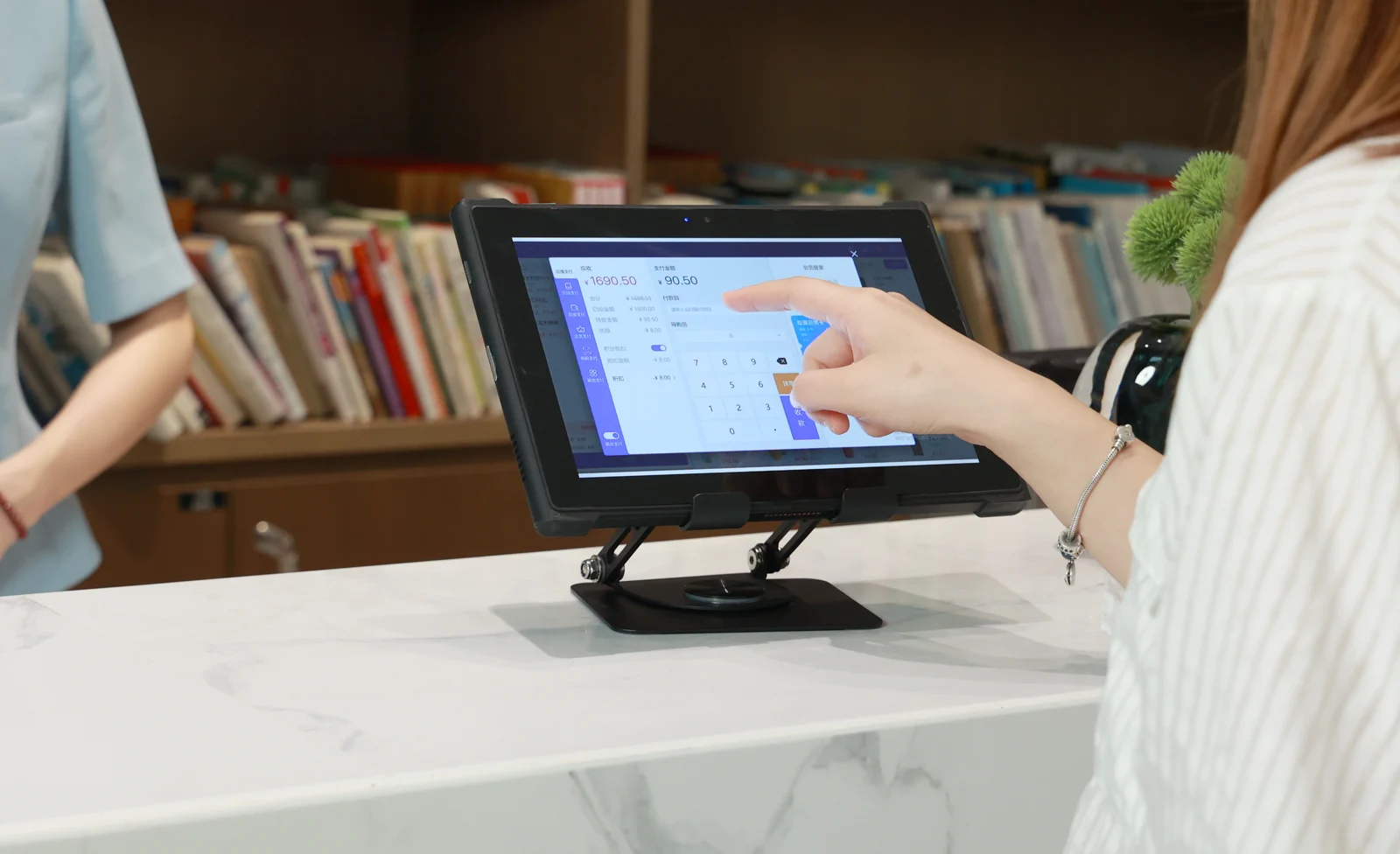
Windows, Android and Linux configurations span rugged tablets, notebooks, vehicle-mounted tablets, panel PCs and handhelds, with availability by model.
| Decision | Windows | Android | Linux |
|---|---|---|---|
| Application | An existing Windows desktop program with a compatible installer. | An Android app used for touch entry, scanning or field records. | An application packaged for the distribution and processor you plan to order. |
| Device management | Windows Pro supports Active Directory domain join and Microsoft Entra join. | Android Enterprise can apply device policies and distribute work apps through managed Google Play. | Use the management tools your team already runs for the distribution. |
| Drivers and peripherals | Check the Windows driver for the exact peripheral and processor architecture. | Check how the scanner or NFC reader passes data to your Android app. | Check that the kernel for the selected image has the driver your hardware needs. |
| Device formats | Rugged tablets, notebooks and 2-in-1s, vehicle-mounted tablets and panel PCs. | Rugged and outdoor tablets, a 2-in-1, vehicle-mounted tablets, panel PCs and handhelds. | Vehicle-mounted tablets and a field tablet with optional Linux configurations. |
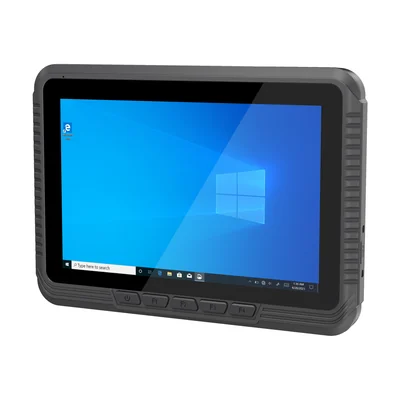
8-inch Windows Vehicle-Mounted Tablet
Standard: Windows 10 Home
Optional: Ubuntu 22.04.4 or 22.04.6
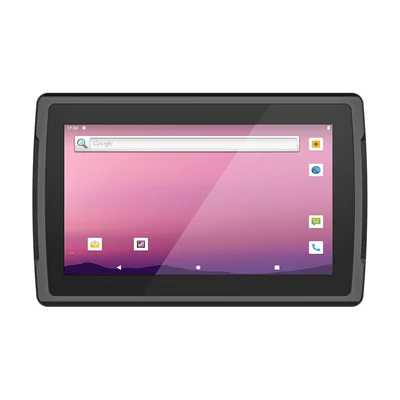
10-inch Android Vehicle-Mounted Tablet
Standard: Android 12
Optional: Linux
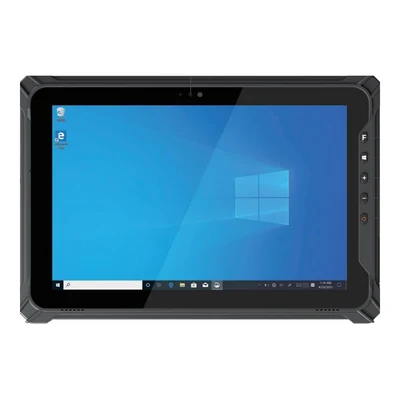
10.1-inch Rugged Windows Tablet
Standard: Windows 11 / Windows 10
Optional: Linux
For RT-V12R and TX-47, confirm the distribution, release and peripheral drivers in your quotation.
Use the installer or app package you intend to deploy and sign in with a test account.
Enrol the device, apply the intended restrictions and check whether your app still runs.
Connect the actual scanner, instrument or printer and verify the result in the business application.
Restart the device and practise restoring the application and its settings.
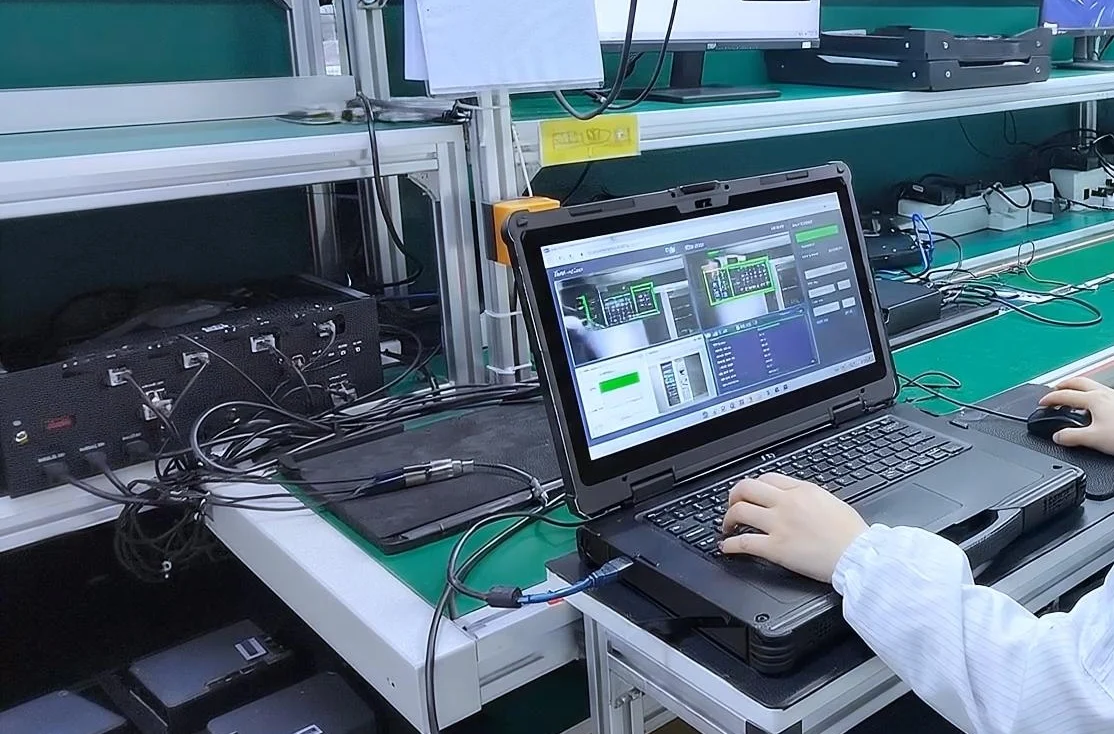
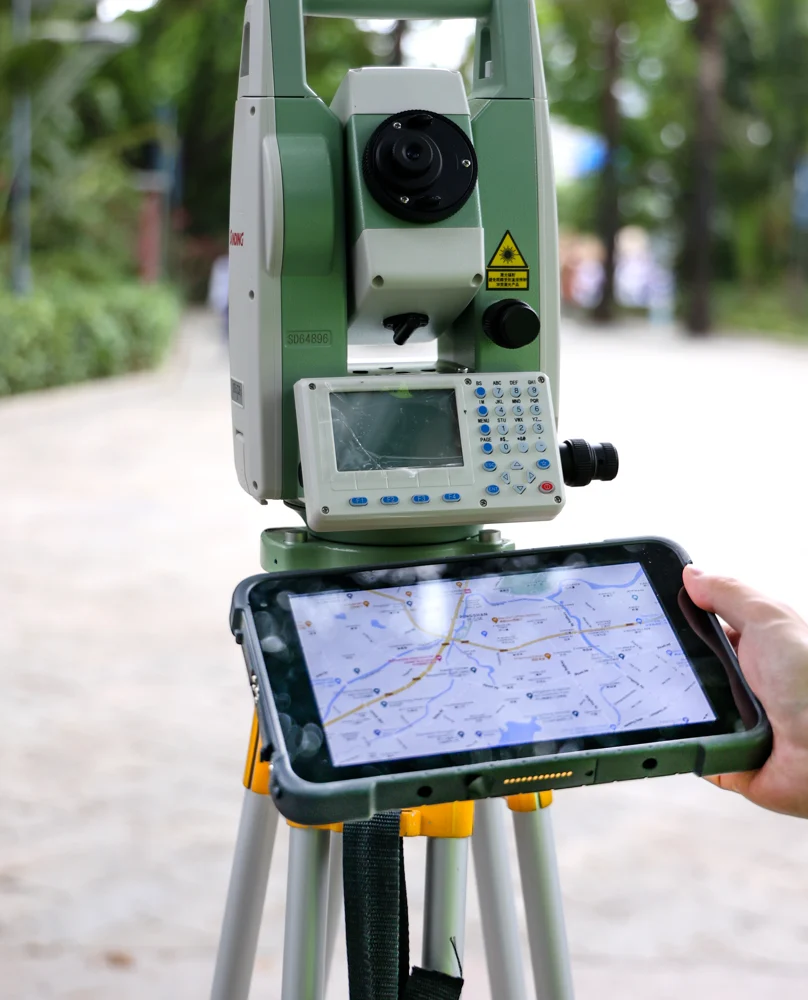
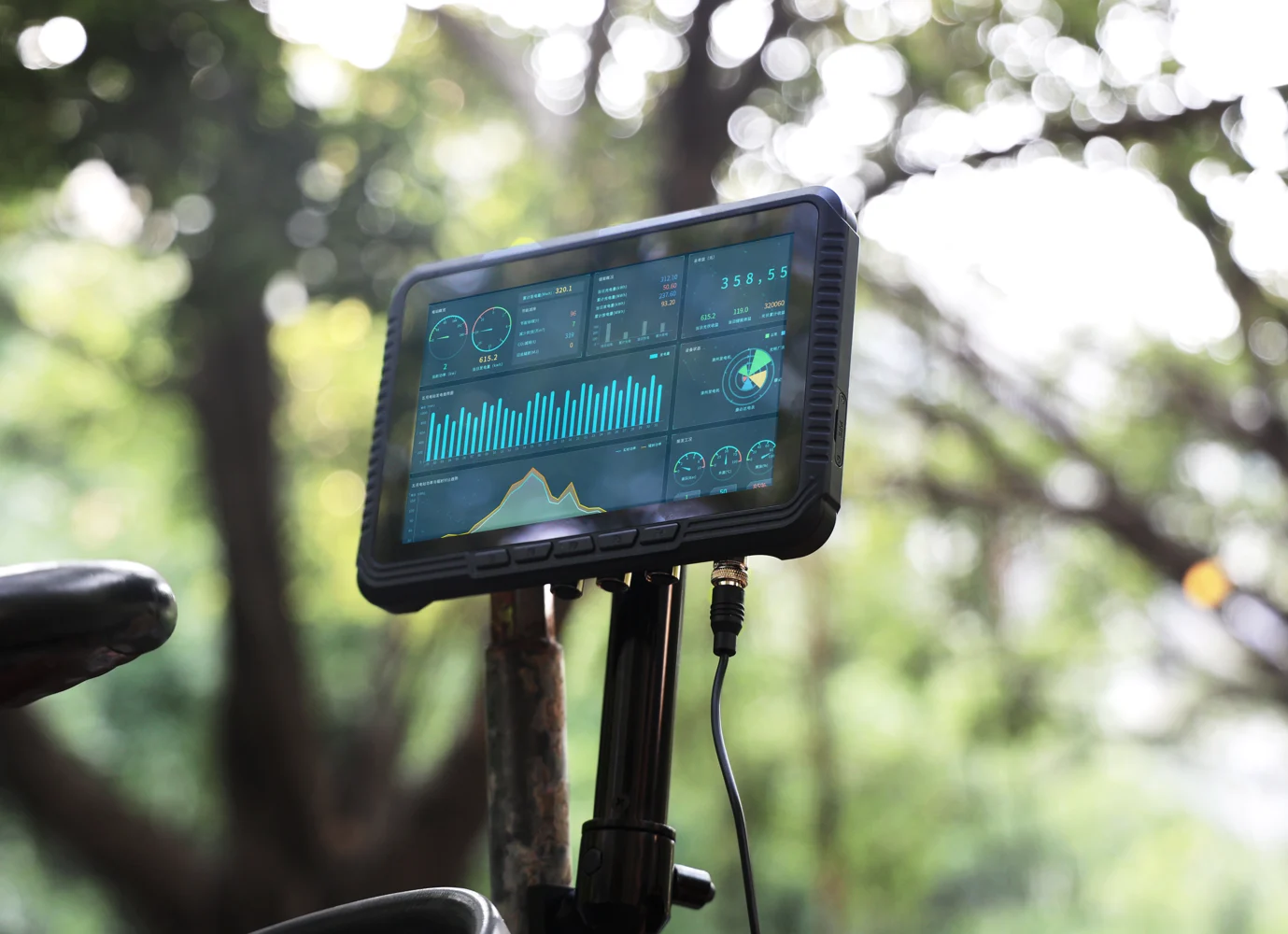
You can request a sample for evaluation.
Volume orders can include a custom logo, startup screen, enclosure colour, preinstalled software and packaging.
AIDC GO provides a 1-year warranty.
The minimum order quantity for standard products is 1 unit. Standard configurations typically ship within 7 days; lead time for volume and custom orders is confirmed in the quotation.
An English datasheet is available to download for every model shown here.
We reply within 24 hours.
Send your application, management tools and peripheral list.