Operating system and edition
Match your application to a listed Windows edition, Android build or Linux option. Check the edition and release on the model page.
Compare platforms →We help you match the operating system, drivers, peripherals and preinstalled software to your application, then confirm it on a sample.
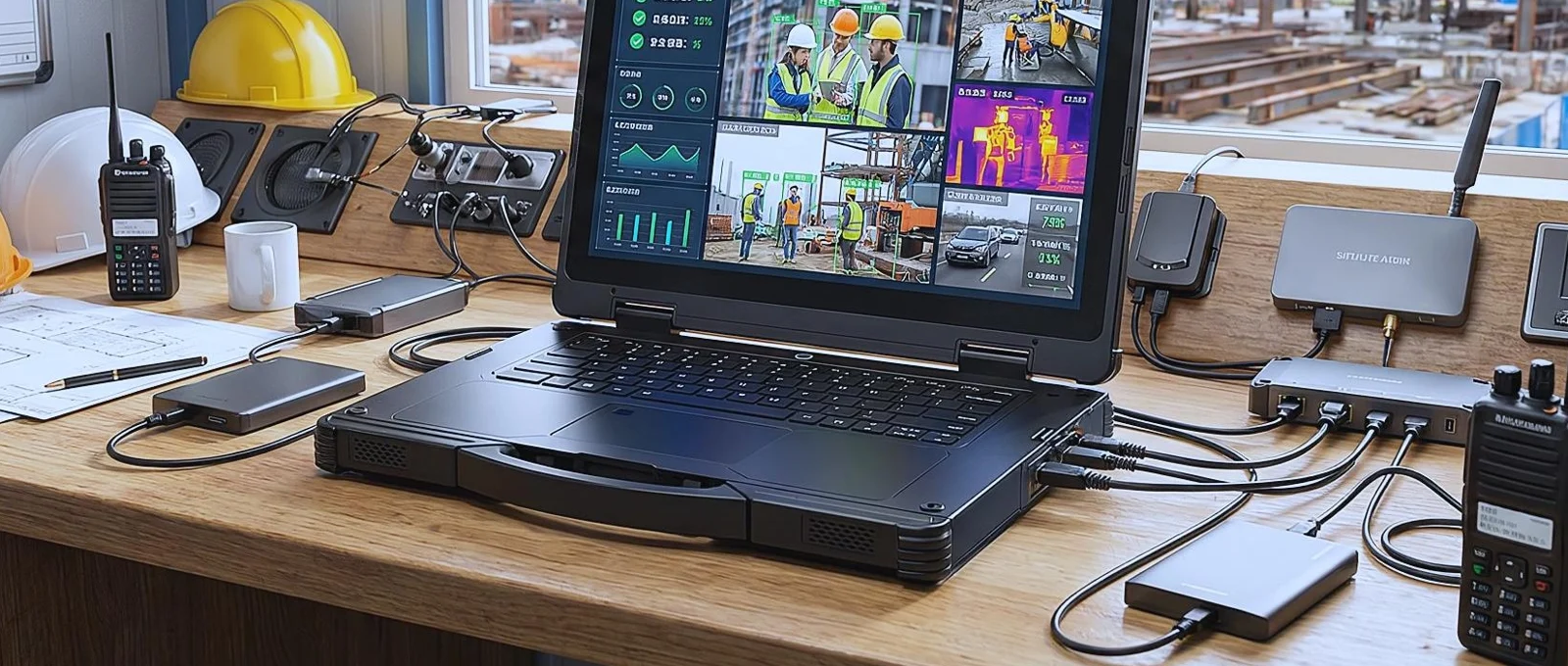
Match your application to a listed Windows edition, Android build or Linux option. Check the edition and release on the model page.
Compare platforms →Bring the printer, scanner or measuring instrument to the sample evaluation. Test its cable and driver with the application you will use.
Windows peripherals →Test domain or Microsoft Entra join on Windows Pro, or check Android Enterprise enrolment and reset on the Android build you intend to order.
Android Enterprise →For a volume order, send the installer or APK and the installation steps. Check the application on the sample before confirming the batch.
OEM / ODM →Using handhelds for barcode or RFID? See scanner integration methods and the SDK question below.
AIDC GO helps select the hardware and coordinate the sample. Your team or integrator owns the application, the data and the final deployment decision.
| Layer | Owner | What to confirm |
|---|---|---|
| Device | AIDC GO | Model, hardware options, OS edition, driver information, datasheet and sample configuration. |
| Application | Customer or application provider | Business rules, user permissions, input validation and the recovery steps shown to the operator. |
| Management and security | Customer IT | Enrolment, device policies, updates and how IT retrieves encryption recovery keys. |
| Network and backend | Customer or integrator | Network access, event delivery, reconciliation and the record accepted by the receiving system. |
Identify the users, application, operating system and conditions at the work point.
Agree on the model, OS edition, display, ports and listed options.
Bring the application package, connection settings, peripherals and representative records.
Check enrolment and drivers, then interrupt the connection and test recovery.
Record what happened, unresolved issues and who owns the next action.
Keep the agreed configuration, software version, charging arrangements and support contacts with the order.
Checklists: Integration · Pilot · Deployment readiness
You can request a sample for evaluation.
Volume orders can include a custom logo, startup screen, enclosure colour, preinstalled software and packaging.
AIDC GO provides a 1-year warranty.
The minimum order quantity for standard products is 1 unit. Standard configurations typically ship within 7 days; lead time for volume and custom orders is confirmed in the quotation.
Download the English datasheet from each product page.
We reply within 24 hours.
Preinstalled software is available for volume orders. Send the software package or APK, the target OS and the installation instructions so your team can check the application on a sample.
The RX-52 lists Java SDK resources. The SX-32 lists Android and iOS SDKs. Request the materials for your selected model.
The customer or solution provider owns application logic, system data, security requirements and the final deployment decision.
Use representative labels or tags, application screens, connections and work conditions. Include normal tasks, errors and recovery steps.
