Test one complete workflow before rollout
Use the pilot to follow a real input through the application to its accepted record. Keep the results, configuration and open issues together for the deployment decision.
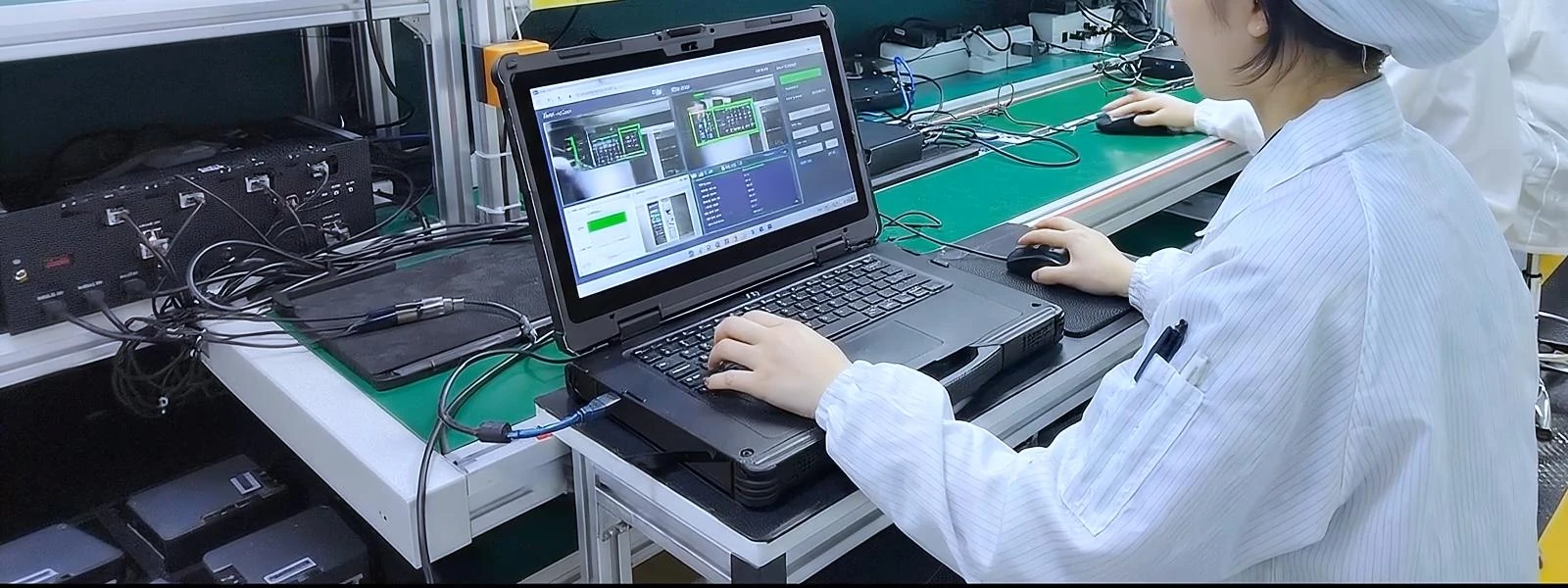
Start with a job the team can repeat
Choose a representative task, operator and work point. Record the application build, device configuration, access method and network used for the trial.
Prepare one sample record and agree on the result the operator should see and the record the receiving system should store. Keep the same input for retesting after a change.
Resolve OS, driver and hardware questions with Integration & Support →Observe what happens at each handoff
Capture, submission and business acceptance are separate observations. Record the expected and observed result for each test.
| Test | Operator action | Evidence to keep |
|---|---|---|
| Normal work | Open an assigned job, enter or scan its identifier, then submit. | The value received in the application, operator feedback and matching backend record. |
| Correction or duplicate | Correct an entry and repeat the submission with the same identifier. | The application response and the final number and state of the receiving records. |
| Connection loss | Interrupt the connection before acknowledgement. Reconnect and follow the recovery procedure. | The local state, any queued event and the result after reconciliation. |
| Restart and handover | Restart the device or application and continue the job with the agreed access method. | Which work remains available, which permissions apply and what the next operator sees. |
Turn observations into a rollout decision
Record the issue
Keep the sample input, application version, expected result and actual result so another person can repeat the test.
Assign the next action
Identify whether the issue belongs with device configuration, the application, the network or the receiving system.
Retest the sequence
Repeat the same job after the change and review the operator’s screen and the final business record together.
What moves forward with the batch?
Keep the tested hardware configuration, OS, application package, peripheral setup and connection settings with the pilot results. Record outstanding exceptions and the person responsible for each one.
Before rollout, agree how devices are enrolled, charged, updated and handed over. Give operators the recovery steps tested during the pilot and a contact for issues they cannot resolve.
Open the deployment readiness checklist →Pilot acceptance questions
What should we use as a test record?
Use a representative job with its identifier, expected application response and expected backend record. Include a correction or duplicate so the team can observe how exceptions are handled.
Who makes the rollout decision?
The customer or solution provider owns the business application and operating rules. The deployment team reviews the recorded results, open issues and ownership before deciding how to proceed.
What if the pilot identifies a hardware issue?
Keep the model, configuration and repeatable test sequence with the observation. Use the Integration & Support page to specify the OS, driver or peripheral that needs review.
