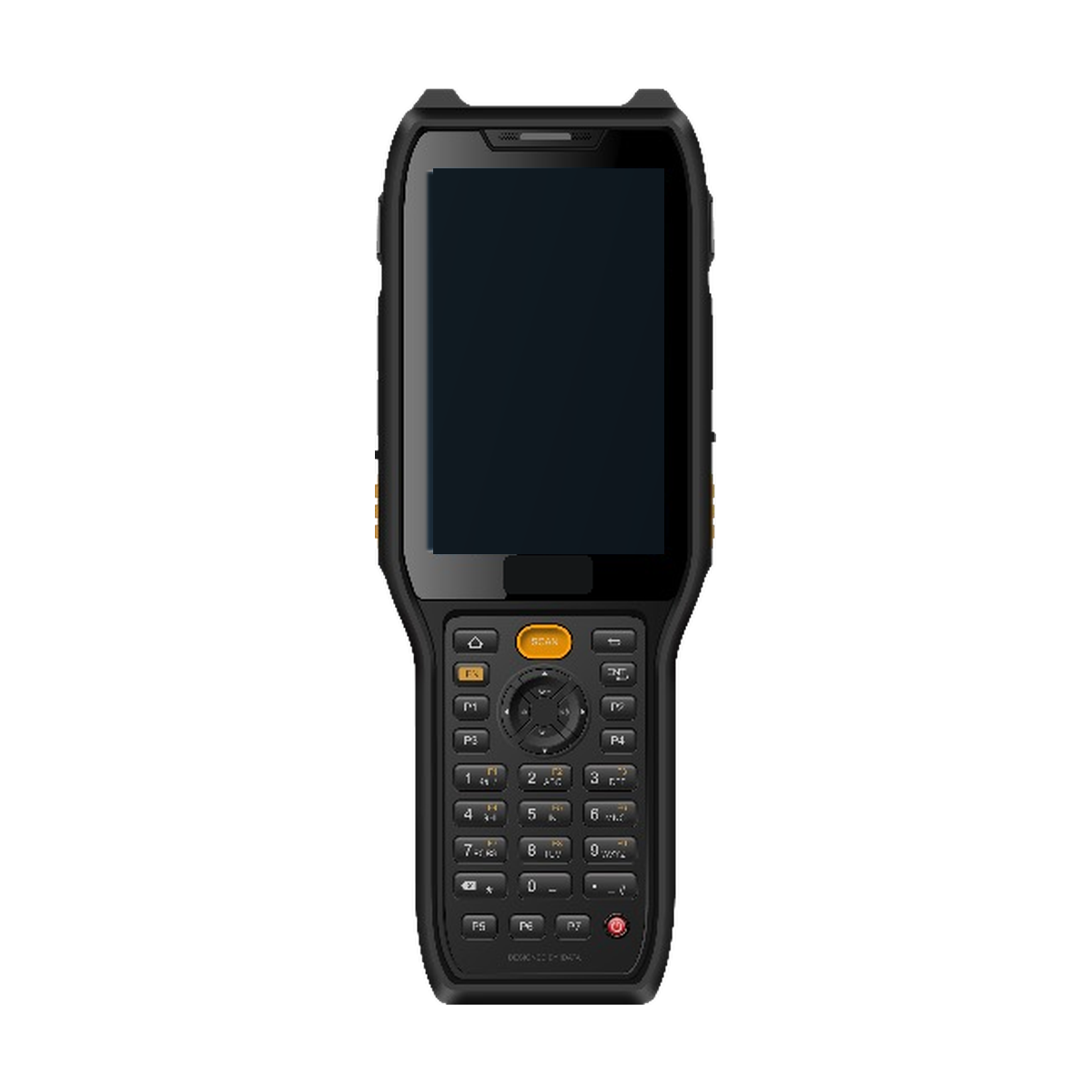
Keypad barcode handheld
AIDC GO HX-27
Keypad-oriented barcode and repeated data-entry workflows.
View product detailsMANUFACTURING
Review material, work-in-process, inspection, maintenance and finished-goods workflows while keeping device, application and traceability responsibilities clear.
Discuss Your ApplicationReference workflow for manufacturing project teams connecting identification tasks to an existing system of record.
Identify material and work in process.
Connect the next confirmed task.
Record inspection and quality checks.
Capture tool or asset checks.
Pass the event to the system of record.
MATCH TASKS TO DEVICE DIRECTIONS
Match zones and form factors to the way work is actually performed.
Keypad-oriented barcode and repeated data-entry workflows.
View product details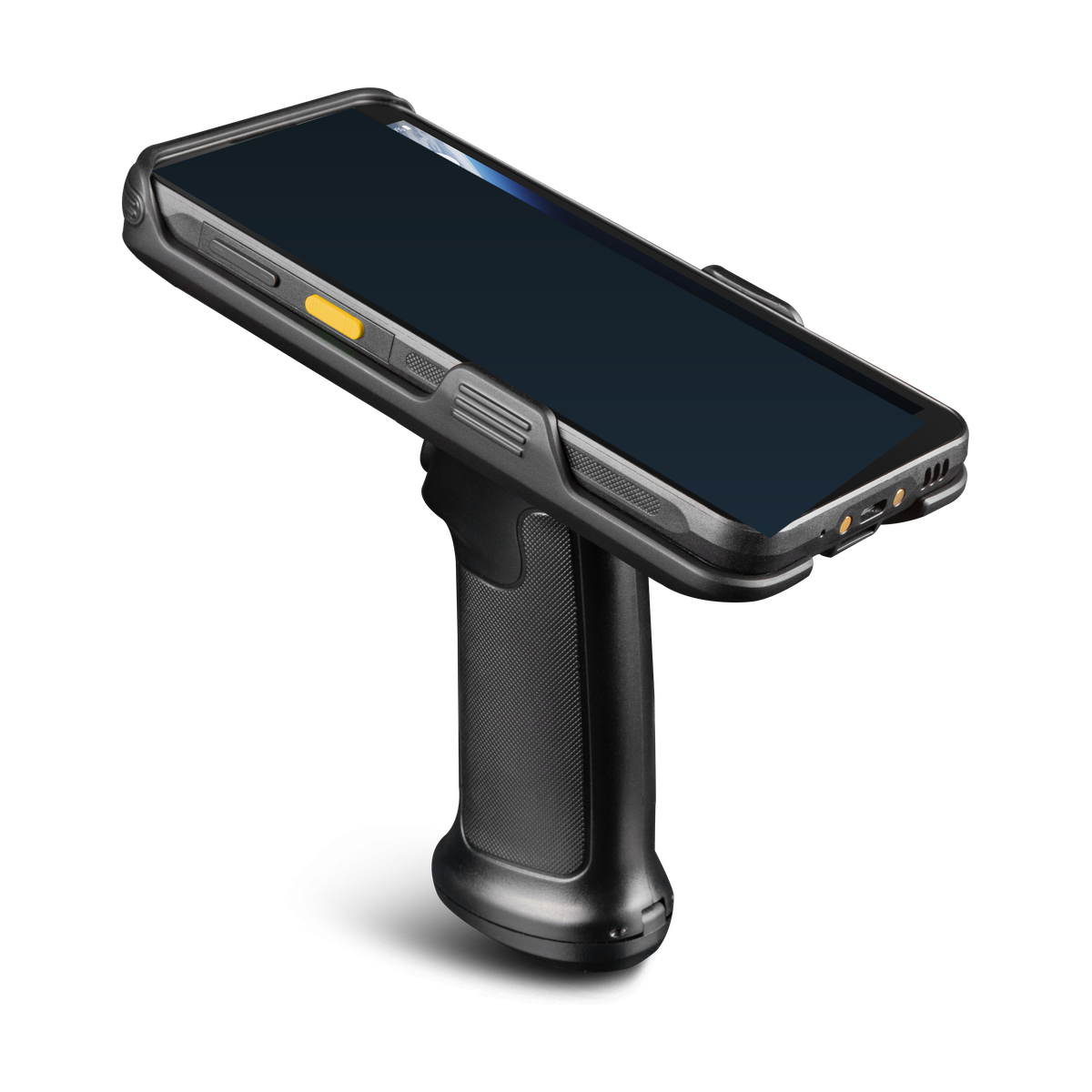
Integrated mobile identification with UHF RFID workflows.
View product details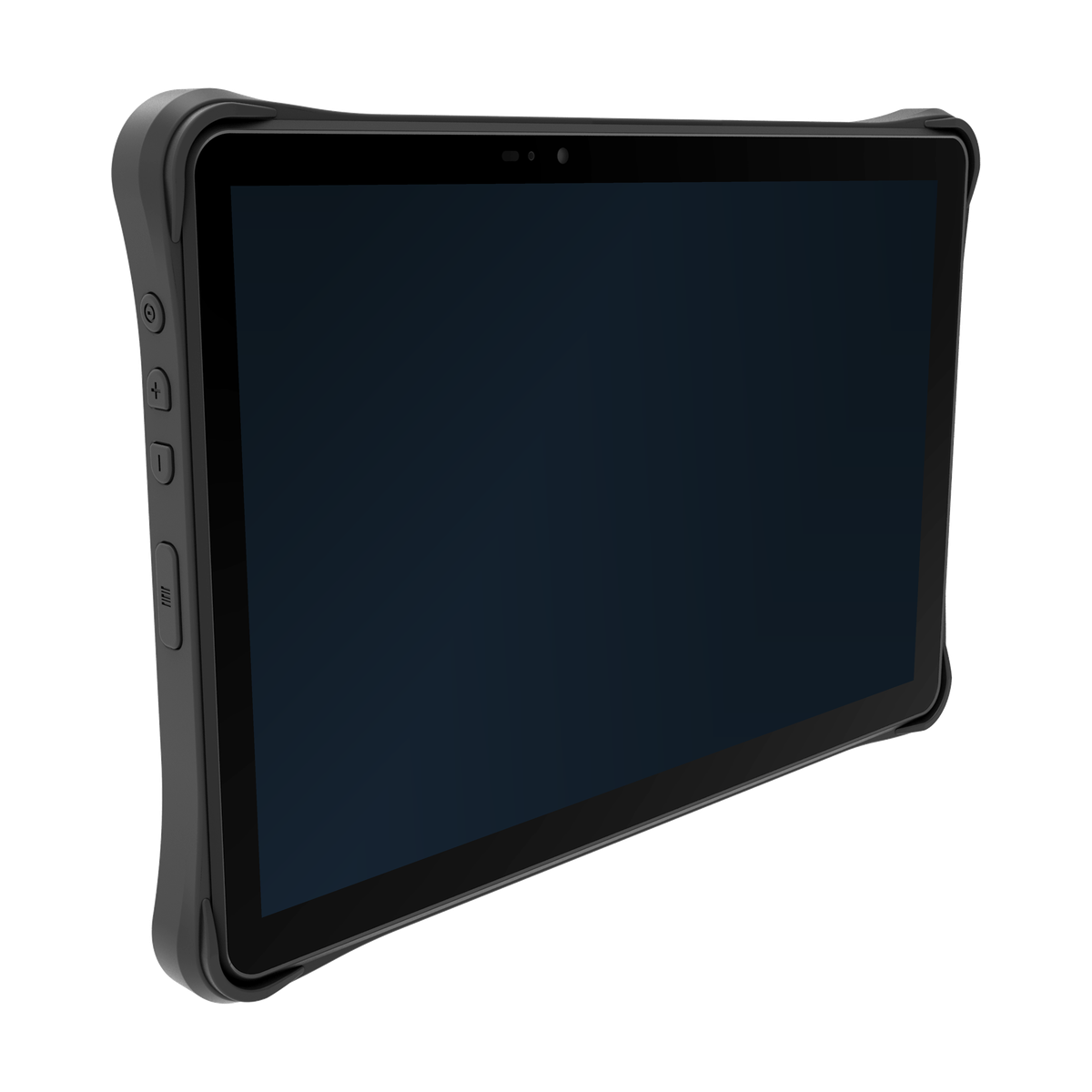
Industrial workflows that require a larger mobile workspace.
View product detailsKEEP SYSTEM BOUNDARIES CLEAR
Clear boundaries between the device, integration layer and customer application keep responsibilities aligned.
Captures data, applies basic validation and provides user feedback.
Translates events, queues transactions and connects services.
Owns inventory state, business rules and user permissions.
PILOT CHECKLIST
Use this checklist to design a focused pilot and surface open questions.
Manufacturing data capture connects material identity with work orders, inspection results and the next production step. Before comparing devices, describe what the operator must read, enter and confirm at the workstation. Include the application screen and the record that should change after each action.
A barcode handheld may suit repeated identification and short entries. A larger screen may be useful for drawings, longer forms or peripheral use. Tagged materials, tools or assets may justify an RFID evaluation when the task and read zone are defined. Choose the hardware direction around the work rather than assuming one device fits every station.
Provide representative material and work-order labels, their dimensions and condition, and the positions from which operators will scan. Note gloves, lighting, repeated quantity corrections and whether the device is carried, placed on a bench or used with peripherals.
Include a normal application screen and an exception screen: a wrong material, an incomplete inspection or an interrupted task. These examples help distinguish a capture requirement from a screen, input or application-rule requirement. For label evidence, see barcode scanning versus verification; for interaction tasks, see gloved handheld input.
| Task and operator action | Inputs to provide | Hardware direction to review |
|---|---|---|
| Material identification: read the item or container identity before use. | Label or tag samples, item material, scan position and the application response to the wrong item. | Compare barcode handheld terminals. For tagged items, review integrated RFID handhelds with the intended tag and deployment region. |
| Work-order input: select the order and enter or correct quantities. | Order labels, entry fields, glove use and the steps for correcting an entry. | Compare keypad and touchscreen interaction within the handheld category using the actual form. |
| Inspection records: read the part identity, view instructions and enter the result. | Drawing detail, form size, required attachments and any connected instrument’s interface documentation. | Review rugged tablets when the screen or peripheral workspace calls for that format; confirm the selected model’s listed options. |
| Maintenance: identify the asset or tool and record the work. | Asset identifiers, access positions, application screens and any requirement to keep an existing host device. | For an RFID direction that retains a host, review RFID sleds. Use the RFID inventory and asset-tracking solution to frame the observation and application acceptance separately. |
| Station handover: confirm what is complete and what remains open. | Work-order status, operator permissions and examples of incomplete or repeated confirmations. | Keep the chosen device aligned with the station’s input and screen needs; have the application team define the accepted handover record. |
The device captures observations and operator input. The customer application or MES owns work-order state, material eligibility, inspection decisions, permissions and the authoritative production record. A successful scan alone does not confirm that a task or handover has been accepted.
Ask the application team how corrections, duplicate submissions and interrupted work are shown to the operator. When a response is missing, distinguish a locally saved action from a confirmed business result. The offline capture and unconfirmed-transactions guide explains that distinction without prescribing the production system’s rules.
Send the station task, representative labels, application screens, deployment country and any peripheral part numbers through Contact. Identify must-have requirements and the device category or model already under consideration. AIDC GO can discuss the relevant hardware information and configuration questions with your team.
For model, interface and documentation-version questions, use Integration & Support. Keep the production application owner involved when agreeing which observations and accepted records will determine the next project decision.
EVALUATION FAQ
No. The content describes workflow evaluation only; approved product configuration and project requirements are reviewed separately.
Include material receipt, line-side issue, WIP movement, production confirmation, inspection, maintenance and finished-goods movement.
Evaluate it for a defined tagged material, tooling or asset workflow after checking tag and environment suitability.
The customer MES, ERP, WMS or application owns routing, quality, permissions and the authoritative traceability record.
Test gloves, screen viewing, keys, mounting, charging, invalid values, duplicates, network loss and correction paths.
No. It records workflow observations, assumptions and open issues for the project team to validate.
NEXT STEP
Configuration, accessories and regional options are confirmed per project.
Discuss Your Application