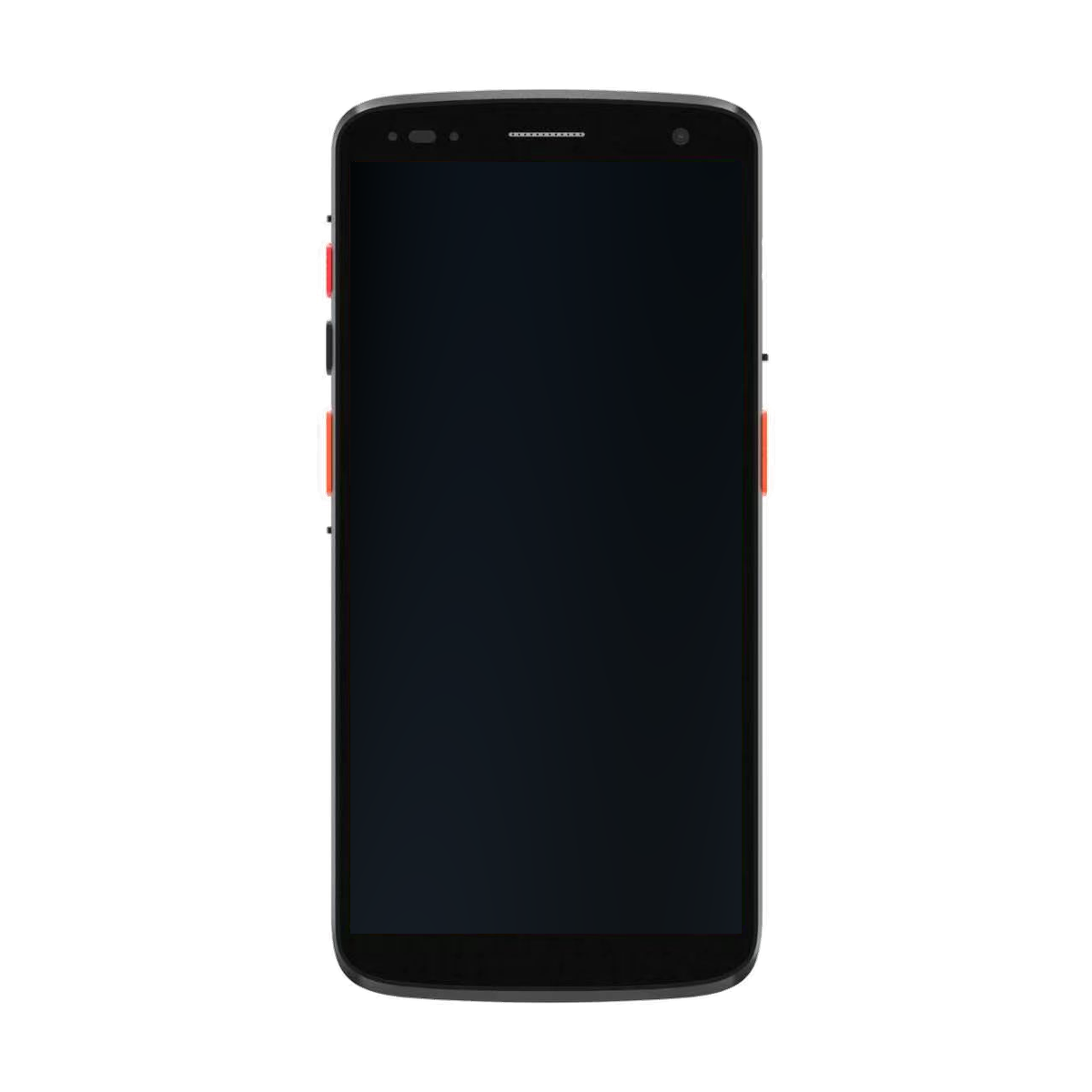
Touchscreen barcode handheld
AIDC GO HX-24
Mobile barcode and task-oriented data-capture workflows.
View product detailsWAREHOUSING & LOGISTICS
Map receiving, put-away, picking, counting, packing, shipment verification and returns before evaluating barcode or RFID workflow options.
Discuss Your ApplicationReference workflow for warehouse and logistics teams evaluating handheld or RFID identification directions.
Receive goods and confirm what arrived.
Move inventory to the right location.
Pick items to fulfil orders accurately.
Count and reconcile inventory regularly.
Verify shipments before they leave the dock.
MATCH TASKS TO DEVICE DIRECTIONS
Match zones and form factors to the way work is actually performed.
Mobile barcode and task-oriented data-capture workflows.
View product details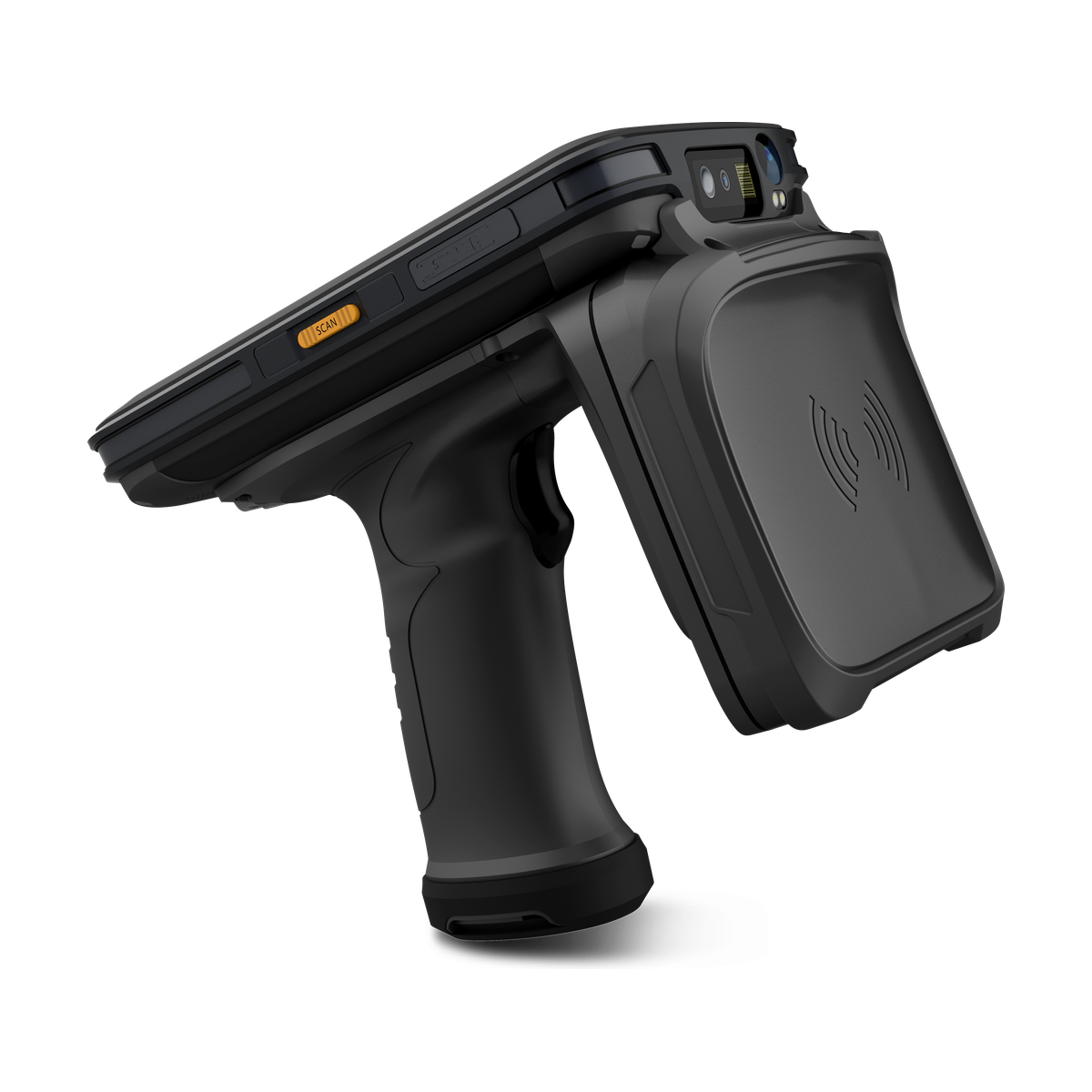
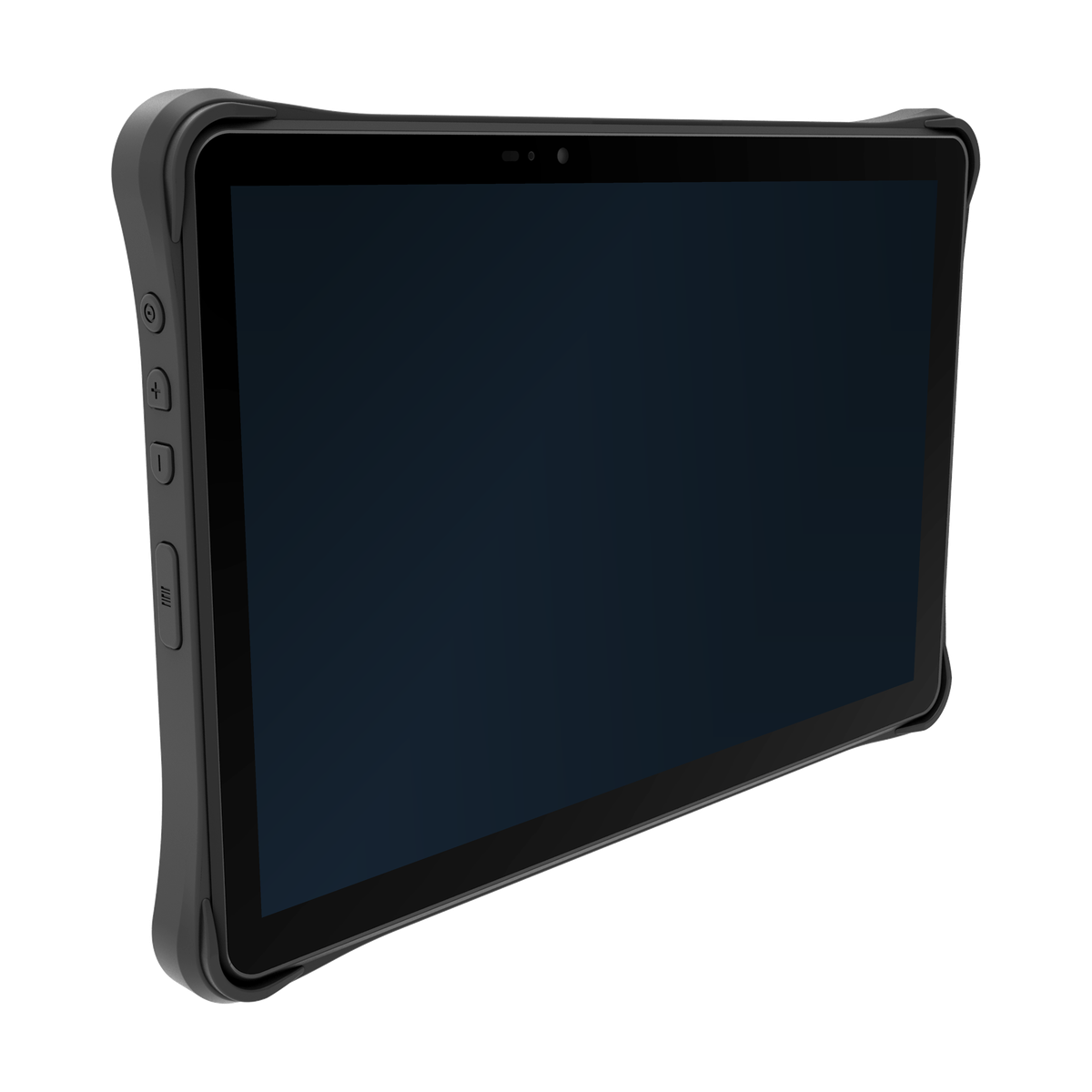
Industrial workflows that require a larger mobile workspace.
View product detailsKEEP SYSTEM BOUNDARIES CLEAR
Clear boundaries between the device, integration layer and customer application keep responsibilities aligned.
Captures data, applies basic validation and provides user feedback.
Translates events, queues transactions and connects services.
Owns inventory state, business rules and user permissions.
PILOT CHECKLIST
Use this checklist to design a focused pilot and surface open questions.
Receiving, put-away, replenishment, picking, packing, shipment verification and returns each use identification differently. Start by mapping the movement, operator role, expected confirmation and exception path for every zone. A single device direction may support several steps, but the workflow still determines the required interaction.
When comparing a warehouse barcode scanner or warehouse handheld, bring the labels, working positions and application screens together. A device that reads a sample at a desk still needs evaluation at the receiving dock, pick face or dispatch area. Barcode input, tagged-item identification and larger-screen work lead to different hardware questions.
Use the sequence below to prepare a focused configuration discussion. Keep replenishment, packing and returns in the brief where they affect the same operator or equipment.
| Task and working conditions | Inputs to provide | Where to compare the hardware or workflow |
|---|---|---|
| Receiving | Representative carton, item and pallet labels; scan positions; quantity corrections; and the receiving screen. | Start with barcode handheld terminals for deliberate item and document input. |
| Put-away | Item and location labels, near and far working positions, rack heights, operator posture and any cart or mount constraints. | Review the mobile barcode workflow alongside the handheld configuration. A location read and an accepted put-away operation are different events. |
| Picking | Smallest labels, neighbouring labels, glove use, quantity entry, exception choices and how the device is carried. | Use the handheld specifications to form a shortlist, then evaluate the complete scan-and-confirm interaction in the application. |
| Cycle counting | Whether items are barcoded or tagged; tag type and placement; materials; intended read zone; deployment country; and the expected inventory list. | Compare integrated UHF RFID handhelds with RFID sleds when keeping an existing host is important. Barcode remains an option for deliberate individual checks. |
| Shipment verification | The staged shipment boundary, expected items, nearby stock, operator movement and the action required for missing or unexpected items. | Use the UHF RFID inventory and asset-tracking solution to separate captured read sets from shipment association and business acceptance. |
A barcode-oriented handheld is a starting point for repeated item, location and quantity input. Compare the listed configuration fields rather than assuming every model uses the same scanning option. Include the smallest close label and the most distant required label in the sample set; a headline range alone does not establish both ends of the task.
For a tagged workflow, specify the tag technology and deployment country before discussing the reader configuration. An integrated device and a sled have different host and accessory dependencies. Regional radio options, application interfaces and SDK versions need to be matched to the proposed model and configuration.
Consider rugged tablets when larger forms, exception review, peripheral connections or a defined mounting position make the workspace useful. A warehouse does not need a tablet at every step. Provide the screen layout, operating-system requirement, peripheral interfaces, simultaneous connections and power or mounting arrangement for the relevant station.
Review freezer or outdoor transitions, shelving, conveyors, packing benches, vehicle routes, gloves, lighting and charging points. A handheld, sled or tablet choice should reflect where the operator stands and how often the device is lifted, mounted or shared. Confirm environmental requirements against the selected model’s documentation.
The WMS or customer application owns inventory state, order logic, location rules and user permissions. The device supplies input and feedback; middleware may translate events, queue transactions or connect services. Define identifiers, duplicate handling and recovery before a pilot.
Send the proposed model, configuration, application platform, interface requirement and document or SDK version to Integration & Support. Include a sample input and the application field or event expected to receive it. This makes a compatibility or documentation question specific without assuming a ready-made WMS integration.
Keep detailed fault handling in the relevant guide: GS1 barcode parsing for decoded values and field boundaries; offline capture and unconfirmed transactions for requests whose outcome is unknown; gloved handheld input for corrections and confirmation; and scanning versus barcode verification for the evidence a label test can provide.
Use representative labels, tags, packaging, zones and shift timing. Record where users pause, repeat an action, change device posture or need manual confirmation. Keep shipment mismatches and other exceptions tied to the relevant task and application owner, rather than treating a captured code or read set as proof that the operation is complete.
For the next discussion, contact AIDC GO with your warehouse task and configuration questions. Provide the deployment country, proposed device direction, sample labels or tag details, working positions, application screens and any peripheral or mounting requirements. Identify the sample-evaluation stage and the documents you need so the hardware conversation can start with the actual work.
EVALUATION FAQ
No. The page identifies evaluation questions; project outcomes depend on the application, configuration and validation context.
Test receiving, put-away, replenishment, picking, counting, packing, shipment verification and returns with representative exceptions.
They can be evaluated together when one provides deliberate confirmation and the other supports a defined tagged-item workflow.
No. The WMS or customer application owns item, location, quantity, order and exception rules.
Define queues, retry, conflict and reconciliation behaviour with the application owner and test a realistic coverage interruption.
Use representative labels, tags, zones, operators and shift routines, and record bounded observations rather than a headline guarantee.
NEXT STEP
Configuration, accessories and regional options are confirmed per project.
Discuss Your Application