
Touchscreen barcode handheld
AIDC GO HX-24
Mobile barcode and task-oriented data-capture workflows.
View product detailsRETAIL & DISTRIBUTION
Frame store receiving, replenishment, counting, item verification, order picking, distribution handling and returns around the application workflow.
Discuss Your ApplicationReference workflow for system integrators and project teams supporting operational retail or distribution activity.
Confirm incoming items and quantities.
Move stock into the next store task.
Count and verify items in context.
Prepare items for the next handoff.
Confirm the outbound workflow step.
MATCH TASKS TO DEVICE DIRECTIONS
Match zones and form factors to the way work is actually performed.
Mobile barcode and task-oriented data-capture workflows.
View product details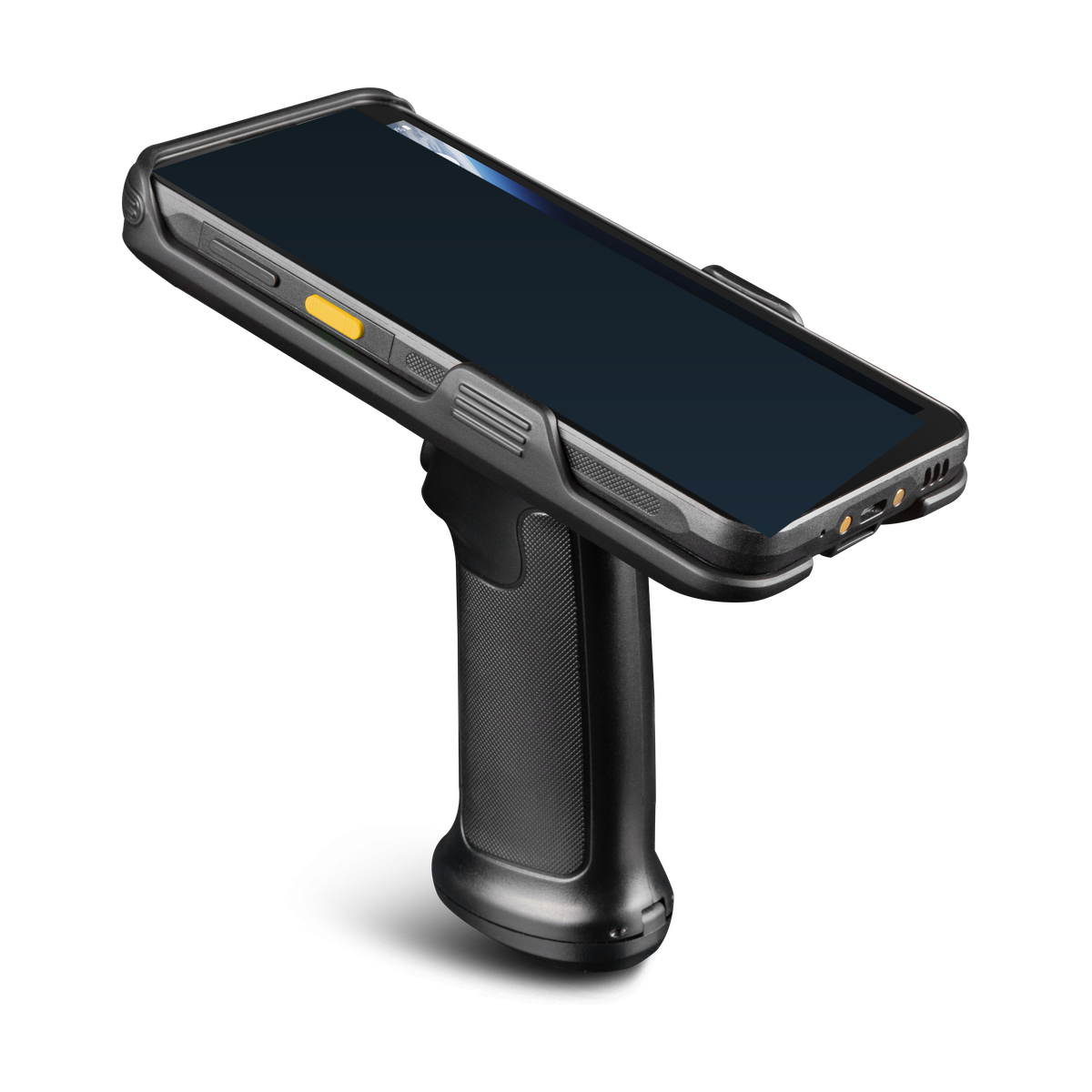
Integrated mobile identification with UHF RFID workflows.
View product details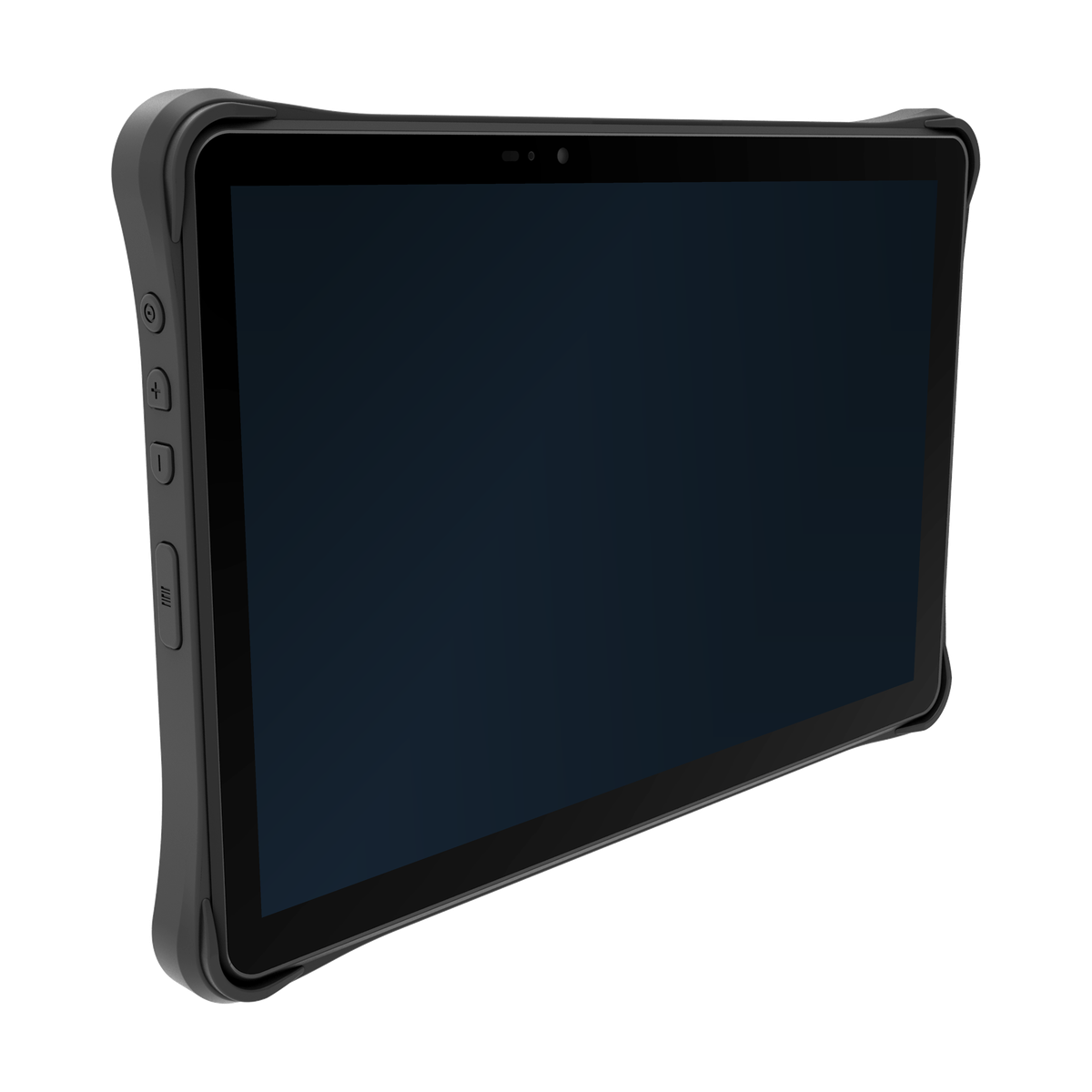
Industrial workflows that require a larger mobile workspace.
View product detailsKEEP SYSTEM BOUNDARIES CLEAR
Clear boundaries between the device, integration layer and customer application keep responsibilities aligned.
Captures data, applies basic validation and provides user feedback.
Translates events, queues transactions and connects services.
Owns inventory state, business rules and user permissions.
PILOT CHECKLIST
Use this checklist to design a focused pilot and surface open questions.
Receiving, backroom inventory, shelf replenishment, price and item verification, stock count, order picking, distribution handling and returns create distinct interaction patterns. Map the item, location, user role, expected confirmation and exception path for each environment.
A handheld may suit repeated item checks, RFID can be evaluated for tagged inventory and a tablet may support richer forms or supervisor review. Choose by task sequence rather than a generic store or warehouse label.
Stores require quiet, compact handling and quick movement between backroom and shelf. Distribution centres add zones, carts, packing stations, scanners and shift charging. Review network transitions, lighting, gloves, mounts, shared devices and support routines in both contexts.
HX-21, HX-24, HX-27, RX-52, RX-56, SX-32 and TX directions can be considered where their approved configuration matches the workflow. Final suitability is project dependent.
The retail or distribution application owns item, price, order, location and return rules. Define what happens after a scan, how a mismatch is shown and how a user records a manual check. Review retry, duplicate suppression and offline recovery with the software owner.
Do not imply a pricing, availability or inventory outcome that has not been confirmed by the customer system.
Test receiving, replenishment, stock count, picking, order handoff and returns with representative labels, devices and network conditions. Observe posture, key reach, screen readability, charging and the number of corrections required.
Document training, device sharing, application support, accessory ownership and escalation. A bounded pilot is more useful than a broad claim about all stores or facilities.
Which tasks are scan-heavy? Which need a larger workspace? Are tags present and suitable? How are exceptions approved? What is the offline policy? Who owns application changes and device support across stores and distribution sites?
A practical evaluation becomes easier to govern when the team writes down the operating sequence before opening a purchase discussion. Name the user role, the item or record being handled, the device interaction, the application response and the exception path. This simple sequence keeps a device conversation connected to the work and gives the software owner a concrete set of states to represent. It also makes it easier to compare two directions without assuming that either one is universally suitable.
Review the first and last step of every transaction. At the beginning, confirm how a user receives a task, identifies the object and knows that the device is ready. At the end, confirm how the application acknowledges a valid record, prevents an accidental repeat and lets a user recover from an incomplete action. The device, application and backend may be owned by different teams, so document the handoff instead of leaving it implicit.
Use representative samples during evaluation. A sample should include the labels, tags, forms, fixtures, carts, mounts, gloves, lighting and connectivity conditions that matter to the real workflow. Note what was tested, what was not tested and which observations require another configuration. Avoid turning a demonstration into a general promise; the useful output is a bounded set of assumptions, open questions and next actions.
Define exception language before a pilot starts. A missing label, unreadable tag, duplicate event, invalid value, lost connection or rejected transaction should each have a visible message and an owner. Operators should know whether to retry, correct, hold, escalate or continue offline. The recovery path is part of the workflow design, not an afterthought that can be solved by changing a model name.
Clarify the data boundary with the application team. Identify the field or event that receives captured input, the validation rule applied to it, the identifier used for reconciliation and the record that becomes authoritative. Where middleware is present, document transformation, retry, idempotency and queue behaviour. Where no middleware is present, state that the application owns the direct interface. This avoids assigning unverified software capabilities to a device.
Plan operational ownership alongside technical fit. Assign responsibility for device configuration, application packaging, enrollment, charging, accessories, user training, spare units, support escalation and backend changes. Record the contact for each responsibility and the evidence needed to close it. A configuration can be approved only when the owners understand the work they must support after the sample evaluation.
Use staged acceptance rather than one large decision. A laboratory check can confirm basic interaction and data mapping; a controlled pilot can expose operator and environment questions; a rollout review can confirm training, support and replacement procedures. Keep an explicit rollback path for application configuration and device settings. This creates a repeatable review without claiming a customer result, certification or universal performance outcome.
Finally, capture the decision in language that remains true when the project changes region, accessory set or application version. State what is approved, what is configuration dependent, what is region dependent and what still requires validation. Link the relevant Product, Solution and Industry pages so a reader can continue the review. The objective is a clear technical conversation that can be repeated by the project team, not a fixed promise detached from its operating context.
Document the evidence package alongside the content. Keep the sample list, test dates, open issues, responsible owner and next review date together, while separating observed facts from assumptions. If a requirement depends on a regional option, accessory or application version, make that dependency visible in the decision record. A concise evidence package lets a second reviewer understand why a direction was selected without inferring capabilities that were not tested.
Before handoff, read the page as an implementation team would. Check that each internal link reaches the intended route, each product reference uses the approved model name and every call to action leads to the project contact path. Remove language that sounds like a guarantee, a customer case study or a measured result unless an approved source explicitly supports it. The final article should help a reader prepare a useful conversation and know what still needs confirmation.
Keep store and distribution decisions tied to the exact task, site and application state under review. A small, repeatable sample is preferable to a broad claim about every location. Record exceptions and ownership before handoff.
Store receiving confirms deliveries and exceptions at the back door. Backroom inventory and shelf replenishment connect an item to a location, while item or price verification checks the record that the retail application presents. Stock counting, order picking and returns add quantity, reason and disposition states. A distribution centre introduces longer travel paths, carts, packing stations, shipment handoff and multiple shift routines. Map these sequences independently rather than assuming one device fits both.
Barcode is a useful starting point for deliberate item and location confirmation. RFID can be evaluated when tags, process controls and the operating zone support it. Touchscreen interaction can suit richer forms; physical keys can help repeated checks or gloved work. A tablet may support supervisor review or exception handling, while a compact handheld may suit frequent movement through a store.
Stores and distribution centres can differ in coverage, lighting, shared-device routines, charging, privacy and support. Observe hand position, scan angle, shelf height, cart use and the time available for correction. Define what happens when an item does not match, a price record is unavailable, a return is incomplete or the network drops. Offline work, permissions and retry behaviour belong to the customer application and its integration team.
The retail or distribution application owns item, price, order, location and return rules. The device captures input and presents the response; middleware may transform or queue events. Agree identifier mapping, duplicate suppression, authentication, audit and reconciliation before testing. A product page cannot establish inventory availability or a pricing outcome.
| Task | Interaction to evaluate | Possible device direction |
|---|---|---|
| Shelf or backroom check | Fast item and location confirmation | Barcode handheld |
| Tagged stock review | Batch or asset check in a defined zone | RFID direction |
| Exception or supervisor form | Touch-led review and data entry | Rugged tablet |
Test store receiving, backroom inventory, shelf replenishment, item and price verification, stock count, order picking, distribution handling and returns. Use representative labels, tags, shelves, carts, application permissions and network transitions. Include a mismatch, duplicate event, manual correction, offline interval and synchronisation recovery. Observe posture, key reach, screen readability, charging and device sharing without promising a store-wide outcome.
Common mistakes include treating all stores as identical, testing only a perfect network, mixing price rules with device behaviour and overlooking returns. Compare the mobile barcode and integration paths, review Products, or use Contact for the next technical discussion.
EVALUATION FAQ
No. It is a technical reference workflow for solution providers, implementation teams and project evaluation.
Stores emphasise compact movement and shelf or backroom checks; distribution adds carts, packing, zones and shipment handoff.
Consider it when tags, process controls and the operating zone support a defined tagged inventory or asset workflow.
The retail or distribution application owns item, price, order, location and return rules.
The project must define offline, retry, permissions and reconciliation behaviour with the application team.
Test receiving, replenishment, counting, picking, returns, exceptions, device sharing, charging and representative network transitions.
NEXT STEP
Configuration, accessories and regional options are confirmed per project.
Discuss Your Application