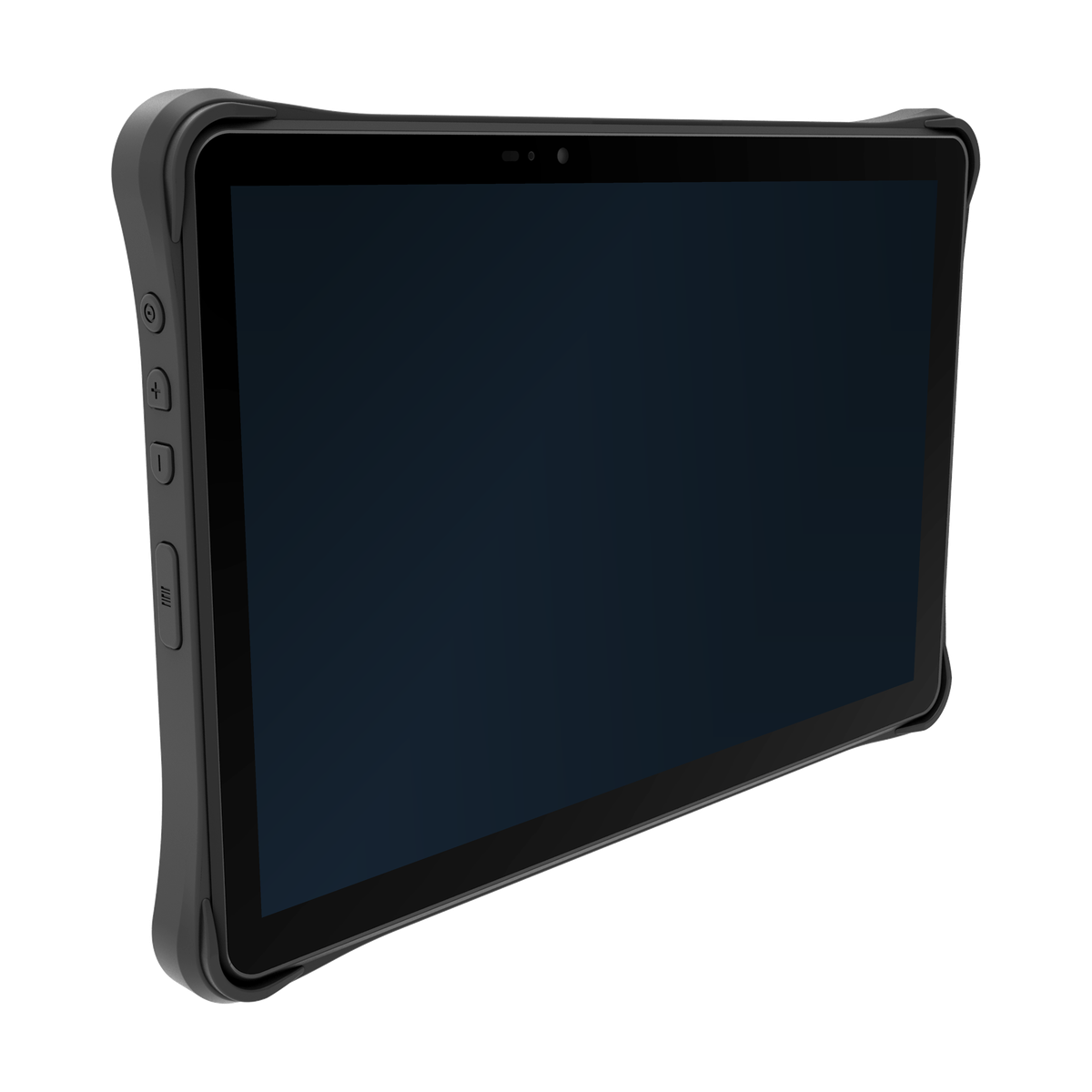
Choose a tablet around the field task
Drawings, guided forms and inspection records can benefit from a larger mobile workspace. Start with the screens an operator must read and complete, then consider how the device will be carried, connected and powered at the work location. A tablet is not automatically the best choice for every field task: repeated item scans or one-handed handling may call for a different form factor.
Compare the listed TX-41, TX-43 and TX-47 specifications in the rugged tablet category. Use those fields to identify a model direction, then ask which configuration and supporting materials apply to your deployment. An application requirement is not confirmation that a particular model provides it.
Bring the screens and working conditions together
A short set of representative screens is more useful than a general request for a field tablet. Include the smallest text, the longest form, the attachments operators review and any step that requires another device.
| Field task | Inputs to provide | What to compare or confirm |
|---|---|---|
| View drawings or work instructions | A representative drawing, required detail, viewing position and expected lighting. | Listed display specifications, the application’s zoom and navigation, and readability at the intended working position. |
| Complete forms and corrections | Form screens, quantity entry, correction steps, gloves and any keyboard requirement. | Usable screen area, touch targets and the proposed input arrangement in the actual application. |
| Record an inspection | Required fields and attachments, how the asset is identified, and how the operator recognises a completed record. | The model configuration and input method needed for the task; the application team’s validation and confirmation rules. |
| Use peripherals at a work point | Peripheral models, cables, port requirements, power sources and which devices must work at the same time. | Listed interfaces and the complete proposed connection arrangement, including any accessory or driver dependencies. |
For repeated scanning, also compare the handheld terminal category. Where gloves are part of the task, use the gloved input guide to plan observations of entry, correction and confirmation rather than checking only whether a scan succeeds.
Shortlist models using the relevant fields
Review the TX-41, TX-43 and TX-47 model pages alongside the category comparison. Identify the display, operating-system and interface fields that matter to your application; request clarification where a required field or option is not listed. Do not assume the models share the same operating system, scanning options or accessories.
Provide the application name and version, intended deployment country and any required peripheral or software interface. For model-specific documents, interfaces and revision questions, continue through Integration & Support. The aim is a configuration question tied to a model, not an unsupported compatibility claim.
Keep record status separate from connectivity
Show what an operator sees when a connection is unavailable and when a submitted record has no confirmed result. Your application and backend teams define what is stored, accepted, retried or reconciled. A connected device alone does not establish that a business record has been accepted.
The offline transaction recovery guide explains this distinction using an illustrative receiving workflow. Apply the relevant questions to your field application without assuming that the example is built into an AIDC GO tablet.
Evaluate the complete accessory arrangement
If the project needs a dock, mount, charger or external input, include the proposed part numbers, placement and cables in the discussion. Check access to controls, connector clearance, reach and cable routing in that arrangement. A mounting requirement does not establish that a particular tablet or accessory is suitable for a vehicle installation.
Use the tablet docking, ports and power guide for simultaneous connections, power roles and observations under workload. Confirm the actual tablet, accessory, cable, driver and application combination before relying on a port label or an idle charging indication.
Send a focused field-work brief
Share representative screens, the operator’s task sequence, working conditions, deployment country and the model direction you are considering. Add peripheral part numbers and connection details where relevant. Separate must-have requirements from preferences so the discussion can focus on the questions that affect the shortlist.
Contact AIDC GO about your field-work configuration with that brief and the model or documentation questions you need resolved. Application acceptance, record recovery and deployment approval remain with the project team; the hardware discussion should establish which model-specific information and next evaluation steps are relevant.