Short answer: Choose a vehicle-mounted computer when most work stays in the cab. Consider Rugged Android & Windows Tablets for the docked-tablet path when the same application must also travel with the worker. Compare the complete installed workstation, including its power, mounting, input and recovery arrangements.
AIDC GO supplies vehicle-mounted tablets for in-cab work. Selected rugged tablets also list a vehicle bracket for use in the cab and a separate charging dock as options.
Map the work inside and outside the cab
List the tasks performed while seated, the points where the worker dismounts, and the information needed at each point. Putaway instructions may stay in the cab, while a damage photograph or inspection form may require a portable screen. A separate handheld can also serve the off-vehicle step.
Record how the worker identifies the current load and resumes the same task after returning. Detaching a screen is useful only if the application, input method and carrying arrangement support that movement. Some vehicle computers also have quick-release arrangements, so compare the actual proposal rather than relying on its category name.
Compare the installed equipment and software
For each quotation, request the computer or tablet, mount, dock where used, power connection, scanner or keyboard, charging equipment and replacement parts. Include installation and any application changes. Reusing an old mount or cable requires compatibility evidence for the new unit.
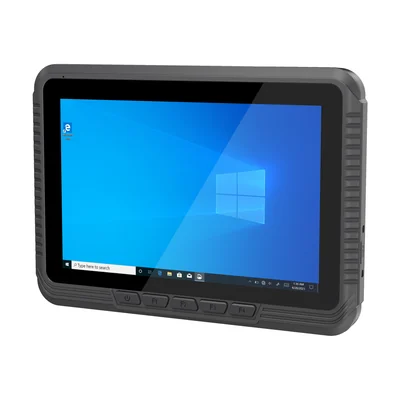
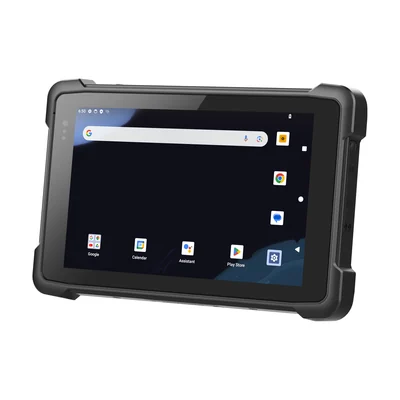
If the screen stays on the forklift, the RT-V80J is an 8-inch Windows vehicle-mounted tablet with VESA and RAM mounting options. If the operator carries the tablet to the pallet, the RT-T81X lists a vehicle-mounted bracket and a charging dock as separate options. Ask how the tablet will be secured and powered in the cab.
If a legacy host remains, identify its terminal protocol, client release, screen layout and function keys. Test scan-to-field behavior and an unfinished transaction. A successful login alone does not show that the worker can complete or recover the task.
Check mounting, power and operator access
Have the vehicle and installation owners review mounting drawings, retention, cable routing and power requirements. Check the screen and controls from the normal working position, including access when entering or leaving the cab. Preserve visibility and the vehicle owner’s operating procedures.
Include the transition between vehicle power and portable use in the proposed test. Record which component powers the application, what happens at a power interruption, and whether the selected scanner and ports remain available. A dock connector that looks familiar is not sufficient compatibility evidence.
Test one complete movement cycle
Use a representative putaway task: identify the pallet, confirm the destination, leave the vehicle for a required inspection, and return to the active task. Compare both the visible application state and the stored warehouse record. Perform vehicle and power checks only under the site’s agreed test procedure.
Then test replacement with a prepared spare. Confirm sign-in, input settings, access to the current work and recovery of an uncertain submission. Keep the resulting equipment list, software versions and unresolved mounting questions with the quotation. Send the task, vehicle model and the mount or dock you plan to use so the configuration can be checked against it.
Device options for this task
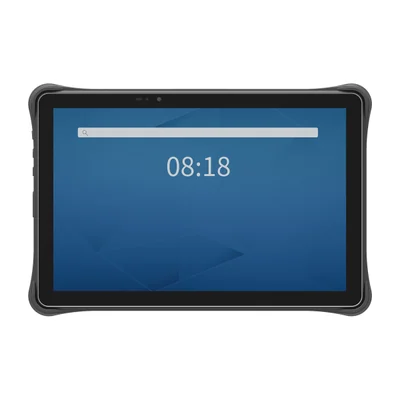
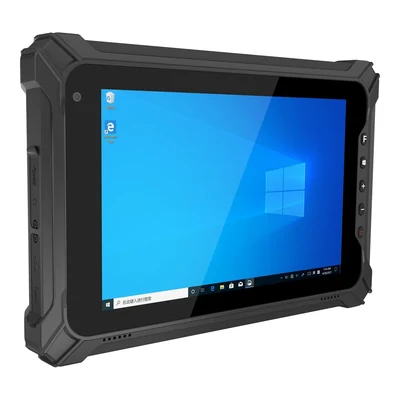
Start with the RT-V80J for in-cab use or the RT-T81X with its optional vehicle bracket if the operator needs to carry the tablet. Compare AIDC GO TX-41 for a 10.1-inch Android workspace and AIDC GO TX-43 for an 8-inch Windows workspace. For either TX tablet, ask the installer to confirm that the proposed mount, vehicle power connection and any dock fit the exact tablet and forklift.
Devices for this workflow