Software Companies
Connect device selection with an existing application and data workflow.
INTEGRATION & SUPPORT
For software companies, system integrators and IoT project teams that own or manage the application layer. Start from the working context, then align hardware direction, configuration questions, sample planning and deployment preparation.
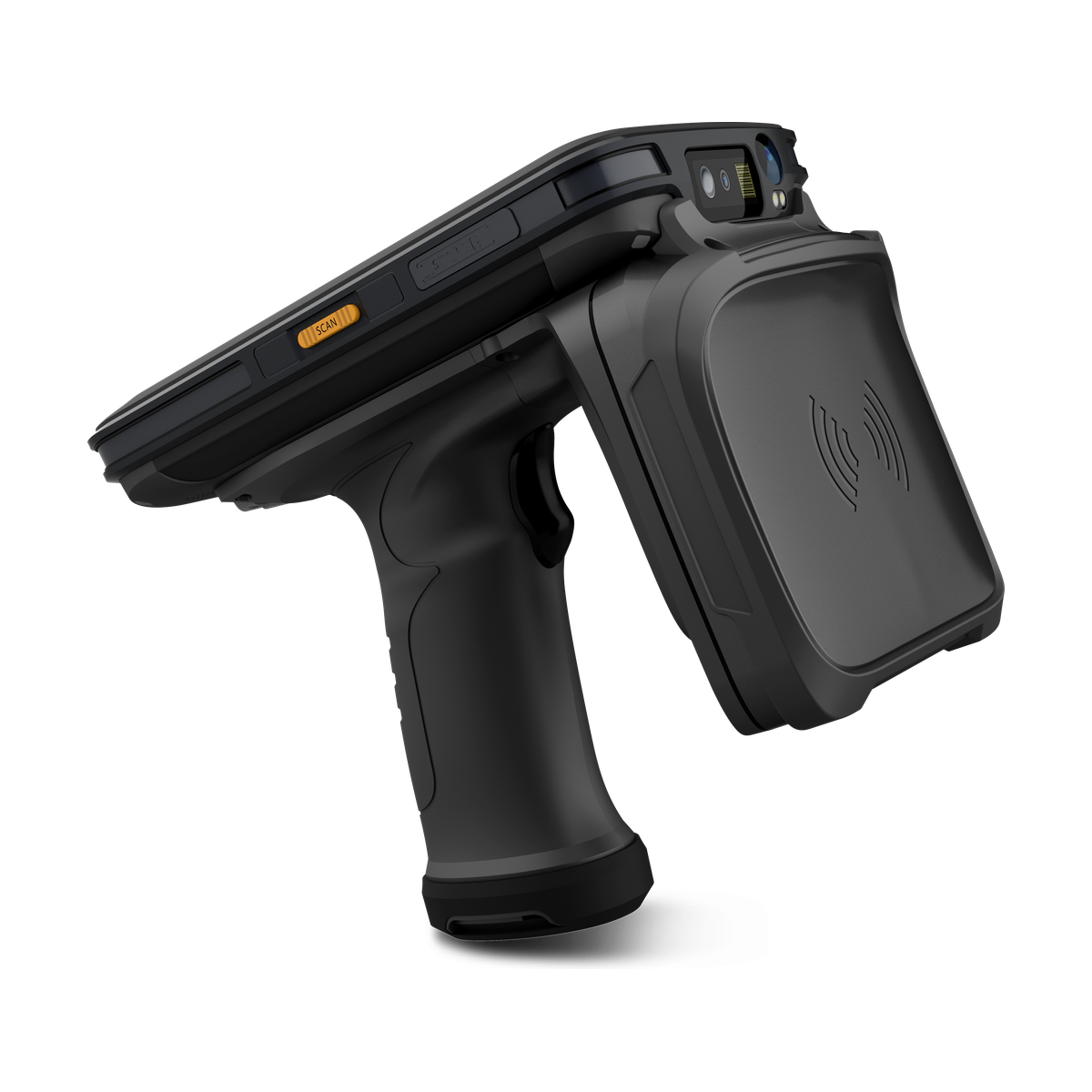
RFID MOBILE COMPUTERAIDC GO RX-56
Requirements→Shortlist→Sample→Deployment
WHO THIS IS FOR
Connect device selection with an existing application and data workflow.
Coordinate hardware evaluation, validation inputs and project ownership.
Evaluate mobile identification around the intended operating context.
INTEGRATION WORKFLOW
A useful integration review keeps four system roles visible while the representative workflow is validated.
Document the operator, capture target, work location and expected feedback.
Separate capture and device behaviour from business logic, permissions and workflow state.
Use real samples and exceptions to check the full event path.
Assign configuration, connectivity, application and operational responsibilities.
RESPONSIBILITY BOUNDARY
Captures approved data, applies device-level behaviour and provides operator feedback.
Owns validation, permissions, business logic, workflow rules and data state.
Transports, queues or translates events according to the project architecture.
Owns the system-of-record data, access rules and downstream processing.
PROJECT WORKFLOW
Six connected decisions keep the proposed hardware direction tied to the customer workflow, application and deployment context.
Map users, capture task, operating context and ownership.
Compare relevant categories and focused model candidates.
Review available options and documentation for the selected direction.
Prepare a project-led validation plan before a wider decision.
Connect available hardware materials with the customer integration plan.
Record the selected direction and next project decisions.
INTEGRATION AREAS
Each area is considered against the project brief and verified for the shortlisted model or configuration.
Review the data-capture direction for the selected model.
Confirm applicable configuration and documentation scope.
Request the applicable document title, version and supported interface for the proposed configuration; compare these with the customer application requirements.
Review project-side network and deployment considerations.
Identify related hardware directions for the intended workflow.
Align handling conditions and deployment context before validation.
RESPONSIBILITY BOUNDARY
The customer directs the solution environment and final decisions. AIDC GO supports the hardware-selection and coordination work around that environment.
Hardware configuration and support boundaries are agreed for the selected project.
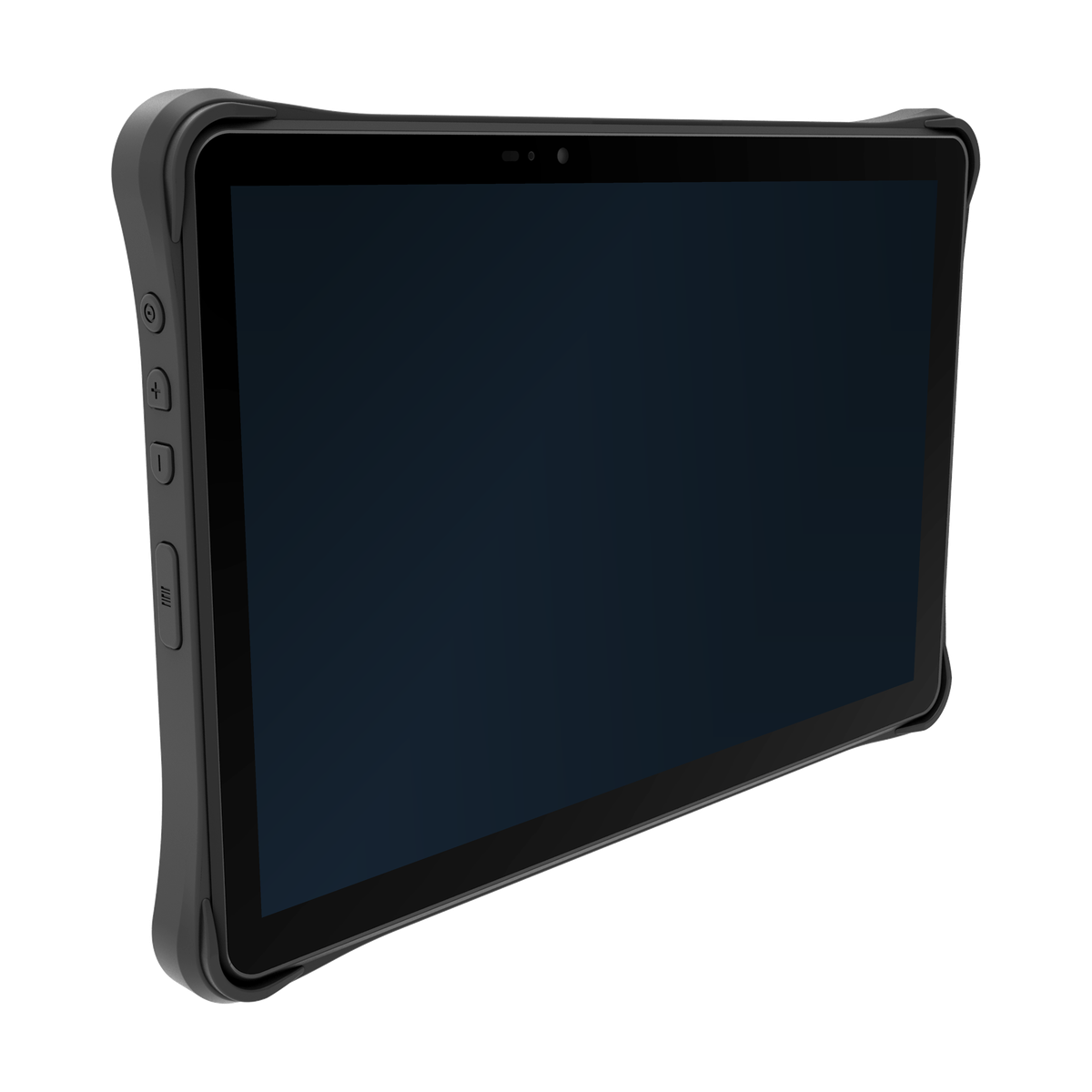
RUGGED TABLETAIDC GO TX-41
SAMPLE VALIDATION
A sample plan connects the proposed hardware direction with the intended task, the customer-managed application and the operating context before deployment preparation.
Review the proposed data-capture direction and physical task sequence.
Check the customer-managed workflow and its intended information handoff.
Review available materials against the project connection context.
Consider related hardware needs for the intended workflow.
Assess handling conditions and the intended point of operation.
Record configuration questions and next deployment-preparation actions.
PROJECT QUESTIONS
Model-dependent capability and documentation are checked after the intended configuration is identified.
Include the task, proposed model and configuration, deployment country, required interface and relevant software versions. Identify the quotation or datasheet revision already reviewed and the specific decision or missing material you need help with.
Name the model, capture configuration, host platform and intended data path. Ask which materials are available for that configuration, their version and scope, and any access conditions. Availability is model dependent; a document for another configuration is not evidence of compatibility.
Yes, when the evaluation inputs and responsibilities are clear. The customer manages its application while AIDC GO coordinates the proposed hardware and available model materials.
Check the capture task, physical fit, application operation, data handoff, interfaces, connectivity, charging, accessories and operating environment.
The customer retains its application, backend, security, acceptance and production decisions. AIDC GO supports hardware selection, model-specific checks and sample coordination.
START WITH THE APPLICATION
Send the task brief, proposed model and configuration, relevant software versions, and the material or sample decision you need next. Use the Contact enquiry to start the discussion.
Send Integration Requirements→