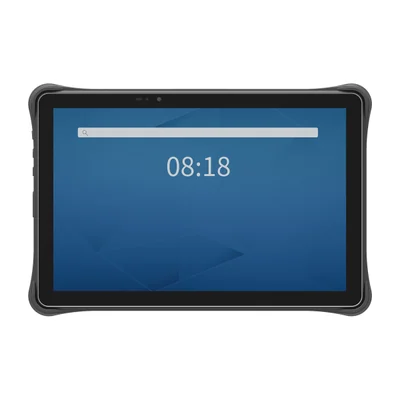
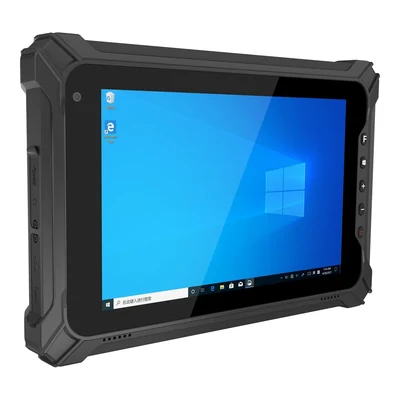
Short answer: Follow one field work order from receipt to final confirmation. Compare the device against asset identification, form entry, interruption and recovery, using the application and working conditions the team will encounter.
Define the work order sequence
Record what the operator sees when receiving a task, how the asset is identified and which fields must be completed. At the end, identify the application’s accepted state and how a worker recognises an incomplete record or accidental repeat.
Use a handheld comparison when identification and compact entry dominate the work. Compare a tablet when forms, instructions or record review need more screen space. Bring the smallest text, longest form and correction steps into the evaluation.
Check site and vehicle handling
Review the viewing position, lighting, gloves, carrying arrangement, mounts and charging access. Where peripherals are needed, list their models, cables, power sources and simultaneous connection requirements. Compare those requirements with the selected device’s published interfaces.
Use the listed specifications to identify configuration questions. Test the proposed arrangement in representative conditions and record what was observed. A demonstration at a desk is different from use at the working location.
Follow a task through lost connectivity
Ask the application owner which tasks can be completed without coverage and how pending records are displayed. Include a work-order transition through a dead zone and its recovery. Check how the application distinguishes a queued record, a rejected value and a confirmed submission.
Include a repeated submission and a correction made before synchronisation completes. Record the identifiers used to reconcile the result. The application and backend determine work-order state, permissions and conflict handling.
Make exceptions actionable
| Proposed case | Observation to record |
|---|---|
| Asset cannot be identified | Message shown, manual check or escalation, and who resolves the record. |
| Value is invalid or incomplete | Field feedback, correction path and what remains unsaved. |
| Connection is lost | Pending state, retry behaviour and confirmation after recovery. |
| Record is submitted again | How the application recognises the same task and shows its accepted state. |
Use these as evaluation cases, then record the observed result and unresolved issues. Attachments, measurement input and peripheral functions belong in the brief only when the application and proposed configuration require them.
Prepare the model and support discussion
Review the TX-41 and TX-43 specifications alongside your application screens, or compare the other models in the TX series. Send the model, operating country, capture requirements, work conditions and quantity when requesting a quote.
Keep configuration, updates, training, charging and support contacts with the project record. Use Integration & Support for the shared responsibilities and rollout checklist.
Devices for this workflow