Short answer: Pick the mounting method from the station: embedded in a cabinet or enclosure, fixed to a wall, standing on a desk, or held on an arm. Then ask the supplier for the drawing for that method, a list of the hardware included and what must be bought separately, and confirm weight, cable routing and service access before the order.
What "installation method" on a datasheet means
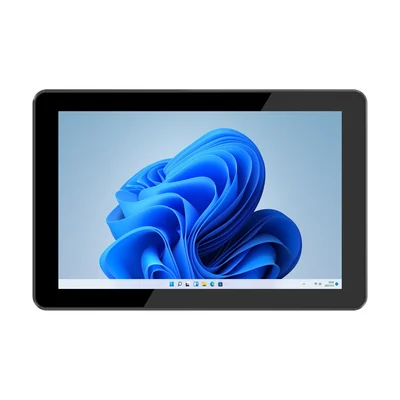
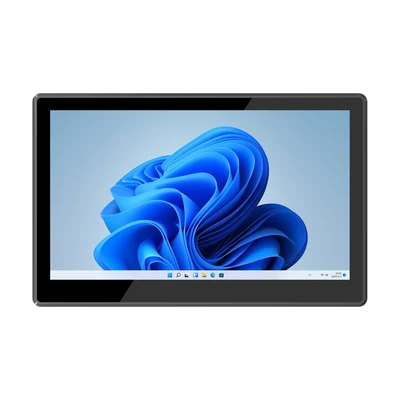
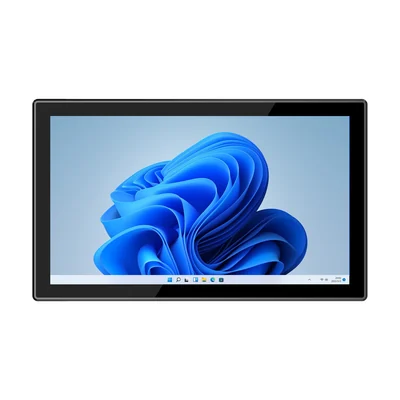
A panel PC listed for embedded, desktop, wall-mounted and cantilever installation has a housing designed to be fixed in those ways. It does not mean every bracket is included. The RT-P10J, for example, lists all four methods and includes four mounting hooks as standard accessories. The RT-P21J lists the same four methods with eight mounting hooks. Desk stands, wall brackets and arms are separate items to confirm in the quotation.
Compare the four methods at your station
| Question to answer | Embedded | Wall | Desktop | Arm |
|---|---|---|---|---|
| What fixes the unit? | The panel PC sits in a cut-out and is clamped from behind. | A bracket on a wall, column or machine frame. | A stand on a bench or counter. | An arm or pole bracket that holds the unit at a set reach. |
| What drawing do you need? | The cut-out size and tolerance, and the panel thickness range the clamps accept. | Bracket hole pattern and fixing points. | Stand footprint and tilt range. | Arm interface and the load the arm must carry. |
| Where do the cables go? | Behind the panel, inside the enclosure. | Down the wall or into trunking. | Across the bench; plan strain relief. | Along the arm; plan for movement. |
| How is it serviced? | From behind, or by removing the unit from the cut-out. | Unit stays accessible from the front and sides. | Fully accessible. | Accessible, but check reach and weight when removing it. |
Embedded: confirm the cut-out and the seal
Embedding the unit in a cabinet door or machine enclosure is the usual way to use a front-panel rating. The front face seals against the enclosure and the rear stays inside it. Ask for:
- The cut-out dimensions and tolerance.
- The enclosure wall thickness the clamps or hooks accept.
- How the front gasket seals, and how many clamps or hooks are used.
Our guide to front-panel IP65 explains why the rating depends on this assembly.
Wall and arm: start from the weight
Weight decides the bracket. The RT-P10J lists 1.2 kg. The RT-P15J lists about 2.4 kg as a bare unit, and the RT-P21J about 5.05 kg. Add any cables, scanners or accessories that hang from the unit, and check the arm or wall bracket against the total. On an arm, also check how far the unit will reach and whether the operator will push on the screen while using it.
Desktop: plan the cables and the tilt
A desktop stand is the quickest to install and the easiest to move. Plan where the power, network and peripheral cables run, so they are not pulled when the unit is adjusted, and choose a tilt that avoids glare from overhead lights.
Plan cables and power for every method
Whatever the mounting, list the connections the station needs (power, Ethernet, USB, serial, antennas) and check that the cable exits suit the mounting position. Check the power input as well. The RT-P10J lists a 12 V DC input that supports 12–24 V, and the panel PCs above are supplied with a 12 V / 4 A adapter. Decide whether the station uses the adapter or a DC supply already in the enclosure.
If the station is still choosing between a mounted panel PC and a docked tablet, see Panel PC or rugged tablet at a fixed workstation.
What to send with your enquiry
Tell us the mounting method, the enclosure or wall it goes on (with the cut-out or space available), the cables and peripherals, and the power available at the station. Send it through Contact and we can confirm the drawing and hardware for that installation.
Devices for this workflow