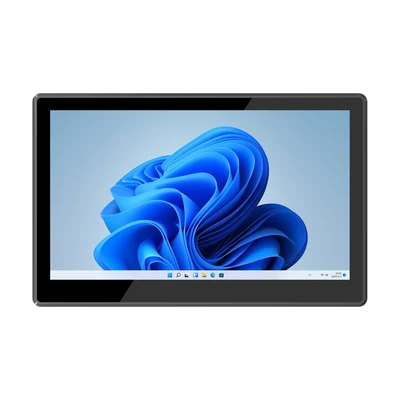
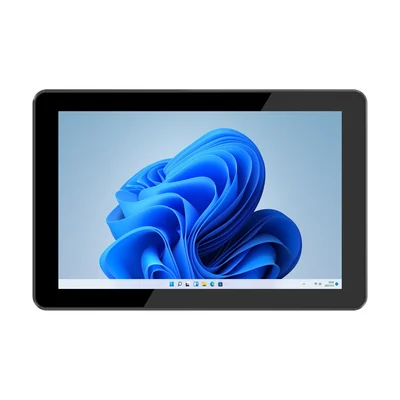
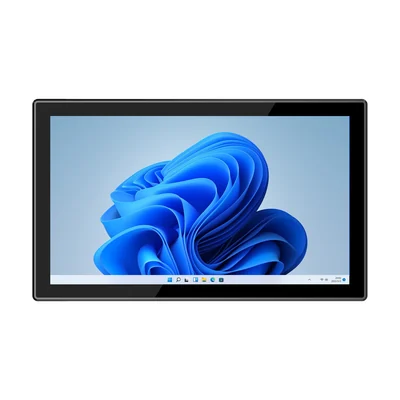
Short answer: "Front panel IP65" is a statement about the face of the panel PC. Treat everything behind the bezel as unprotected until your installation covers it. Mark the boundary on the installation drawing, confirm which mounting method the rating was tested in, and ask for the evidence with the quotation.
What "Front panel IP65" actually states
An IP code under IEC 60529 has two digits. The first describes protection against solid objects and dust; 6 means dust-tight. The second describes protection against water; 5 means protection against water jets from a nozzle under the conditions the standard defines.
The words in front of the code matter as much as the digits. The RT-P15J lists its protection rating as "Front panel IP65". Every model on the industrial panel PC page uses the same wording. None of them states a rating for the rear housing. Read that as a boundary, not an omission to fill in yourself.
Draw the boundary on the installation drawing
Before comparing models, take the drawing of the cabinet, machine guard or wall where the screen will sit and mark each surface the panel PC exposes.
| Surface | Question to answer before ordering |
|---|---|
| Display and bezel | Is this the surface the front-panel rating describes? Which side faces the washdown, dust or splash? |
| Seal between bezel and panel | Does the rating assume a gasket or seal at the cut-out? Is it supplied, and how is it compressed? |
| Cut-out edge | Which cut-out dimensions and panel thickness does the supplier specify? Who checks the finished opening? |
| Rear housing | Will it sit inside an enclosure, or will it be exposed to the same environment as the front? |
| Connectors and cable entries | Where do cables leave the unit, and where do they leave the cabinet? |
If the rear housing ends up in the same environment as the front, the front-panel rating no longer describes your installation.
Match the mounting method to the rating
The RT-P15J lists four installation methods: embedded, desktop, wall-mounted and cantilever. Its accessory list includes four mounting hooks. These options give a project room to choose, but they do not leave the protection boundary in the same place.
- Embedded (panel mount): the face sits in the cut-out and the rear is behind the panel. This is the arrangement where a front-panel rating is easiest to apply, provided the seal and the cabinet do their part.
- Desktop, wall-mounted or cantilever: the rear housing and the cable connections are in the open room. Decide whether that location is dry and clean enough, or whether the unit needs an enclosure.
Ask which mounting configuration the protection test used. If the answer is the embedded configuration, record that the rating supports your project only where you use the same arrangement.
Treat the rear connections as part of the cabinet design
A panel PC in a cabinet usually connects to the machine and the network from behind. The RT-P15J, for example, lists two RJ45 ports, two DB9 RS-232 serial ports, four USB-A ports, HDMI, a 12–24 V DC input and two SMA antenna connectors. Each cable that leaves the cabinet needs its own entry, and the cabinet's own protection, glands and routing decide whether moisture or dust reaches those connectors.
Include the cabinet rating and the cable entries in the same review as the panel PC. If the antennas are relocated outside the cabinet, check the cable path as well.
Separate cleaning routines from the IP test
Write down how the screen will be cleaned: wiping, low-pressure rinsing, hose-down, cleaning agents or hot water. The IP code describes test conditions defined by the standard. It does not describe high-pressure or high-temperature washdown, specific chemicals or repeated cleaning cycles over the life of the equipment. If your routine goes beyond wiping and ordinary splashing, give the supplier the actual procedure and ask whether it falls within the tested conditions.
Temperature is a separate check. The RT-P15J lists an operating temperature of −20 °C to 60 °C and 95% non-condensing humidity. Inside a closed cabinet, the air around the rear housing can be warmer than the room. Measure or estimate it at the installed position, not at the operator's side of the panel.
Request the evidence with the quotation
Ask for these items before the order, and keep them with the installation drawing:
- The test report or certificate behind "Front panel IP65", showing the model and the configuration tested.
- The mounting arrangement and seal used during the test.
- The cut-out dimensions, permitted panel thickness and the number and position of mounting hooks or clamps.
- Which surfaces and connectors fall outside the rated boundary.
- Any cleaning or environmental limits the supplier states for the installed unit.
If an item cannot be supplied, record the gap rather than assuming the rating extends to cover it. Our guide to checking IP and drop test reports explains how to read the sample, boundary and pass criteria in a report.
Device options for this task
The manufacturing page shows where fixed screens and mobile tablets are used along a production line. If you are choosing a panel PC for a cabinet or machine guard, send the installation drawing, the environment on both sides of the panel and the cleaning routine with your enquiry, and we will confirm the configuration and evidence available for the model.
Devices for this workflow