TX SERIES / PRODUCT FAMILY
Rugged tablets selected around your application.
An industrial tablet shortlist starts with the screens people use and the equipment it must connect to. Compare the existing TX-41, TX-43 and TX-47 fields, then take the OS, peripheral and installation questions that remain to AIDC GO.
PROJECT FIT
Where this product direction belongs.
Inspection and service: bring the forms, images and exception screens operators use. Check readability and input actions in the intended working position, not screen size alone.
Peripheral-connected work: list scanners, printers, displays and other equipment with connector type, driver requirement and power role before comparing TX interfaces.
Desk or mounted use: describe where the tablet sits, how it is reached and how cables are routed. Treat the mount, dock and power arrangement as a configuration to confirm.
CURRENT AIDC GO PRODUCTS
Compare TX tablet configurations.
Use the current display, processor, memory and interface fields to screen the models. A listed port or processor does not establish application, driver or docking compatibility.
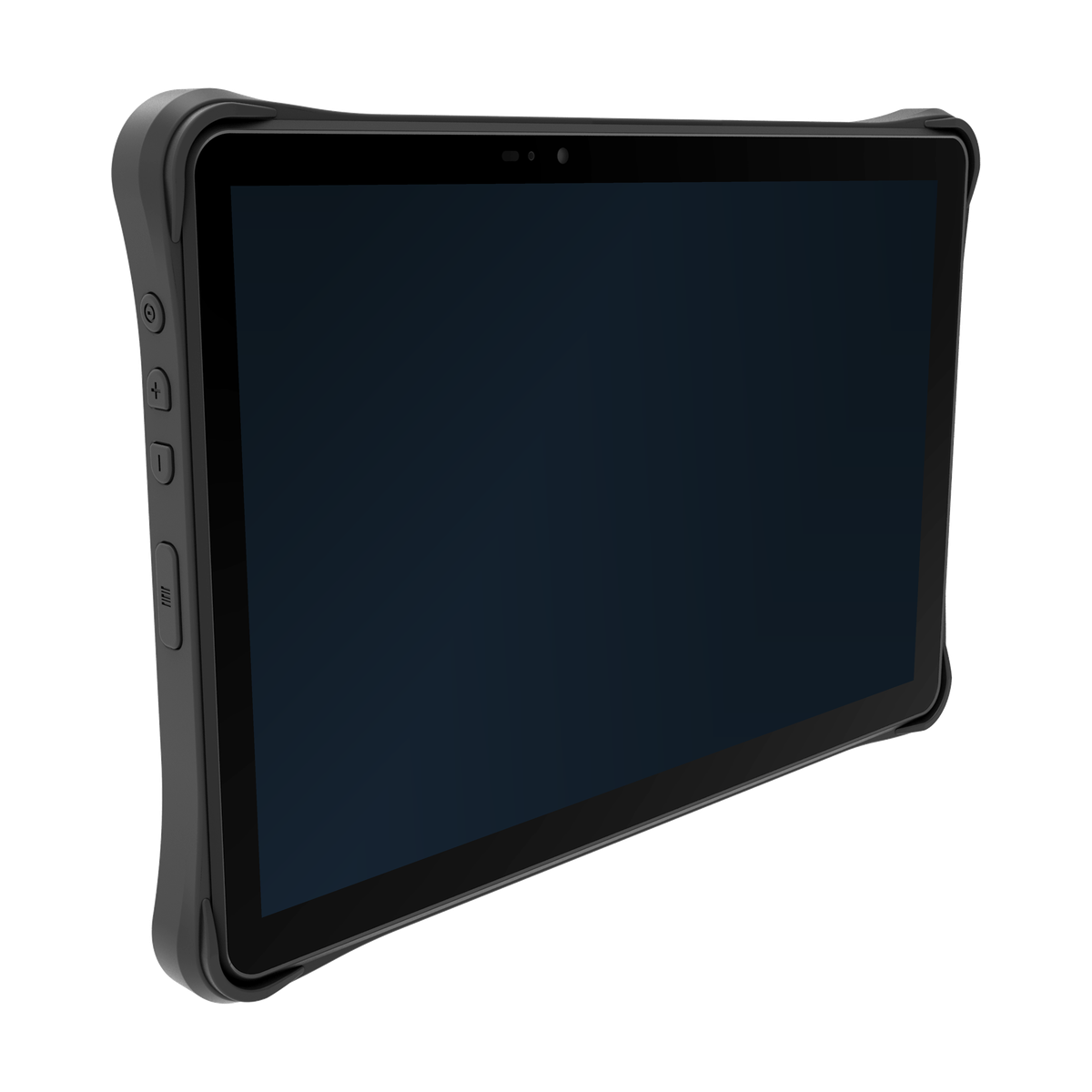
AIDC GO TX-41
- Device direction
- Rugged tablet
- Display
- 10.1 in, 1920 × 1200
- Processor
- Octa-core 2.0 GHz
- Memory
- 4 GB RAM / 64 GB storage
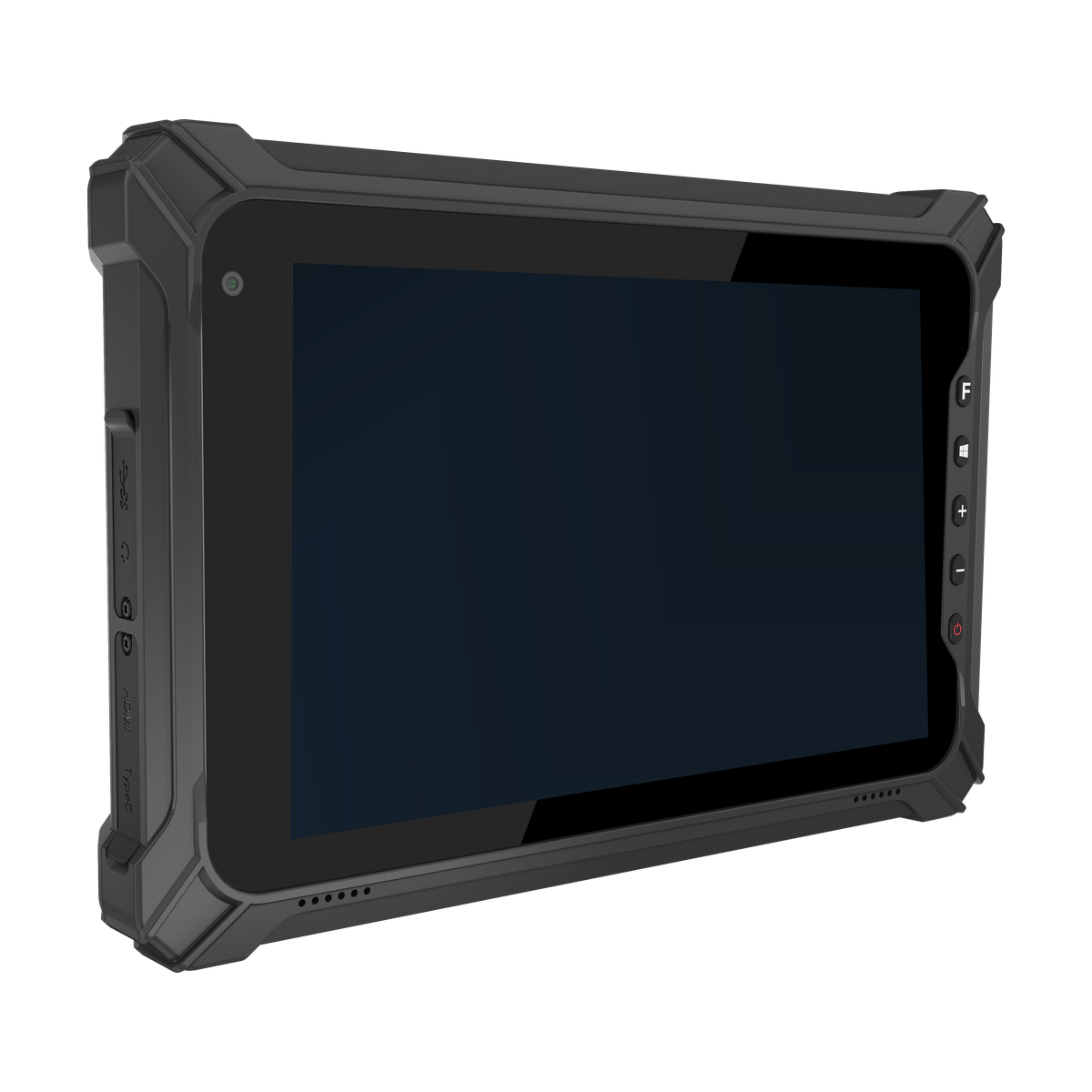
AIDC GO TX-43
- Device direction
- Compact rugged tablet
- Display
- 8 in FHD, 1200 × 1920; HD option
- Processor
- Intel Celeron N5100
- Memory
- 8 GB LPDDR4x / 128 GB eMMC
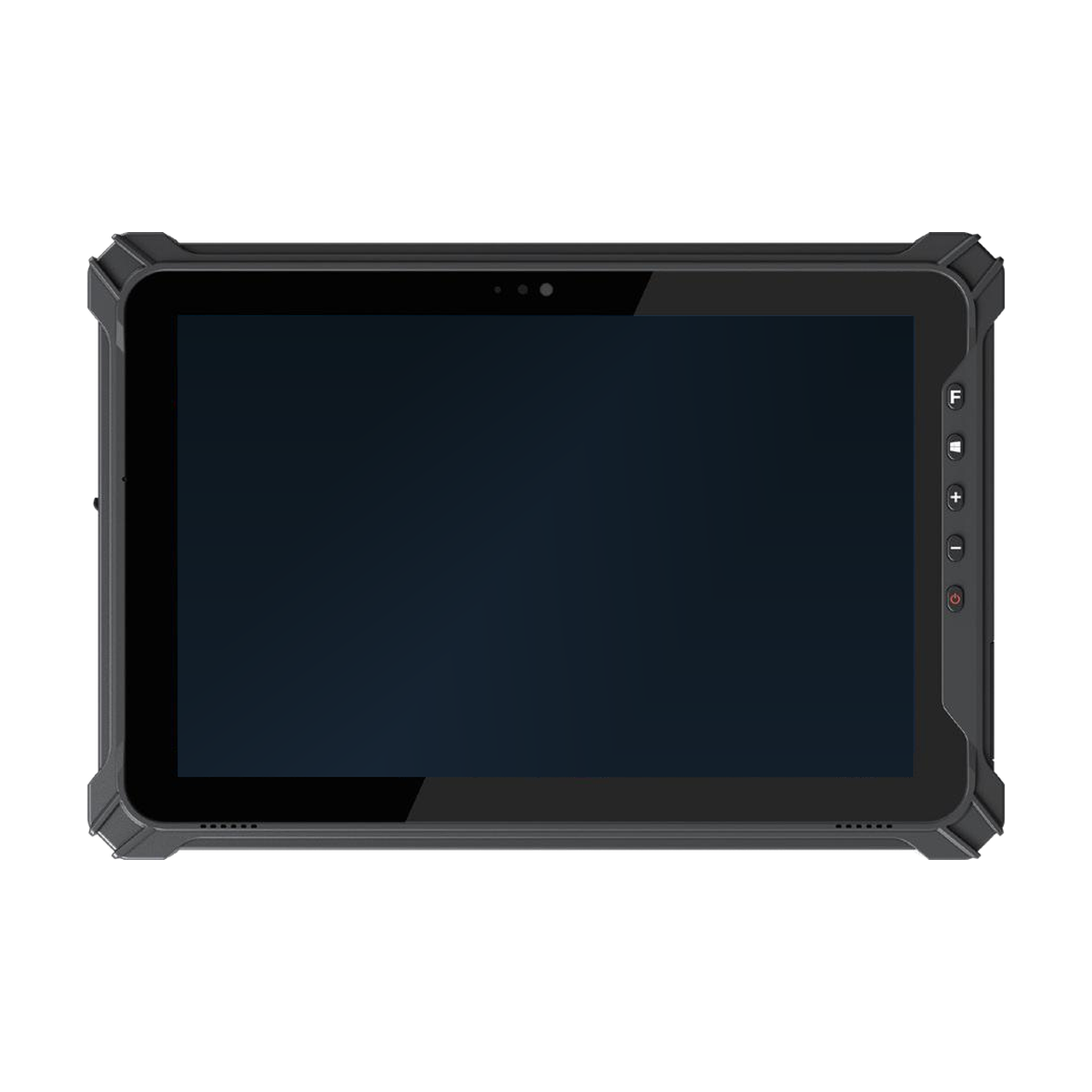
AIDC GO TX-47
- Device direction
- Field rugged tablet
- Display
- 10.1 in FHD 16:10, 1920 × 1200; HD option
- Processor
- Intel Celeron N5100
- Memory
- 8 GB RAM / 128 GB storage
| Model | Device direction | Display | Processor | Memory | Interfaces |
|---|---|---|---|---|---|
| AIDC GO TX-41 | Rugged tablet | 10.1 in, 1920 × 1200 | Octa-core 2.0 GHz | 4 GB RAM / 64 GB storage | USB-C, USB-A, Micro HDMI, OTG, microSD |
| AIDC GO TX-43 | Compact rugged tablet | 8 in FHD, 1200 × 1920; HD option | Intel Celeron N5100 | 8 GB LPDDR4x / 128 GB eMMC | USB-A, USB-C, mini HDMI, pogo, microSD/SIM |
| AIDC GO TX-47 | Field rugged tablet | 10.1 in FHD 16:10, 1920 × 1200; HD option | Intel Celeron N5100 | 8 GB RAM / 128 GB storage | USB-A, USB-C, mini HDMI, pogo, SIM/TF; extension configuration dependent |
WORKFLOW
Shortlist the tablet and its working setup together.
Keep the existing TX specifications as the reference. Confirm the application environment and connected equipment for the selected configuration before committing to accessories or a deployment layout.
- 01
Provide representative application screens, application version and required OS edition.
- 02
Compare screen, processor and memory fields with the application's documented requirements and actual operator tasks.
- 03
Map each peripheral to a required connection, driver and power arrangement; identify simultaneous connections.
- 04
Send the shortlist and an installation sketch to AIDC GO, then evaluate the agreed configuration with the intended application and equipment.
INTEGRATION DIRECTION
Keep the hardware decision connected to the system.
TX-41 lists Android 11 or Android 13, configuration dependent. TX-43 lists Windows 11 Home with Windows 11 Pro/IOT optional. Confirm the selected edition and application requirements; request TX-47 OS details because its current public specification does not identify an OS version.
Use the listed USB and display-interface fields to identify connection questions. Provide peripheral model numbers, drivers and power needs; do not treat a connector listing as proof of driver support, charging behaviour or simultaneous peripheral operation.
For barcode capture, TX-41 lists 1D/2D scanning and TX-43 lists an optional 1D/2D reader. Request the exact TX-47 scan configuration and its current documentation before including it in a quote; do not infer the option, dock or driver from another TX model.
SELECTION CONSIDERATIONS
Questions to close before configuration approval.
- 01
Application workspace: compare the 8-inch TX-43 direction with the 10.1-inch TX-41 and TX-47 directions using the actual screens and input sequence. Retain the resolution and option qualifiers in each model's specification.
- 02
Operating system: name the required edition, application version and deployment policy. Resolve the selected OS configuration before choosing samples, especially where the public field is not stated.
- 03
Connections and power: list the required ports, cable ends, external power and peripheral drivers. Ask which combination is supported by the selected model and configuration.
- 04
Installation: provide a desk, vehicle or equipment layout where relevant, including access and cable-clearance needs. Request the exact mount or dock part numbers and installation conditions; none is assumed to be supplied as standard.
BUILD YOUR TX ENQUIRY
Share the screens, peripherals and installation plan.
Contact AIDC GO with the TX models under consideration, application and OS requirements, peripheral model numbers, power needs and a sketch of the working setup. Identify any barcode, dock or mounting requirement so it can be addressed in the configuration response.